
If you are new to WordPress, it is normal to wonder how easy it really is to use.
The dashboard looks busy at first, and the number of menus, settings, and options can feel overwhelming. Many beginners worry they will click the wrong thing or break their site before they even get started.
WordPress is much easier once you understand the basics. Publishing content, changing designs, and adding features all follow a pattern. When you pair WordPress with beginner-friendly tools, a clean theme, and a simple setup process, the learning curve feels far more manageable.
In this guide, we will break down what makes WordPress feel simple, what makes it feel difficult, how beginners usually learn it, and the fastest way to get comfortable with the platform.
By the end, you should have a clear idea of whether WordPress is the right choice for you and how to approach it with confidence.
Let’s get started!
Why Use WordPress
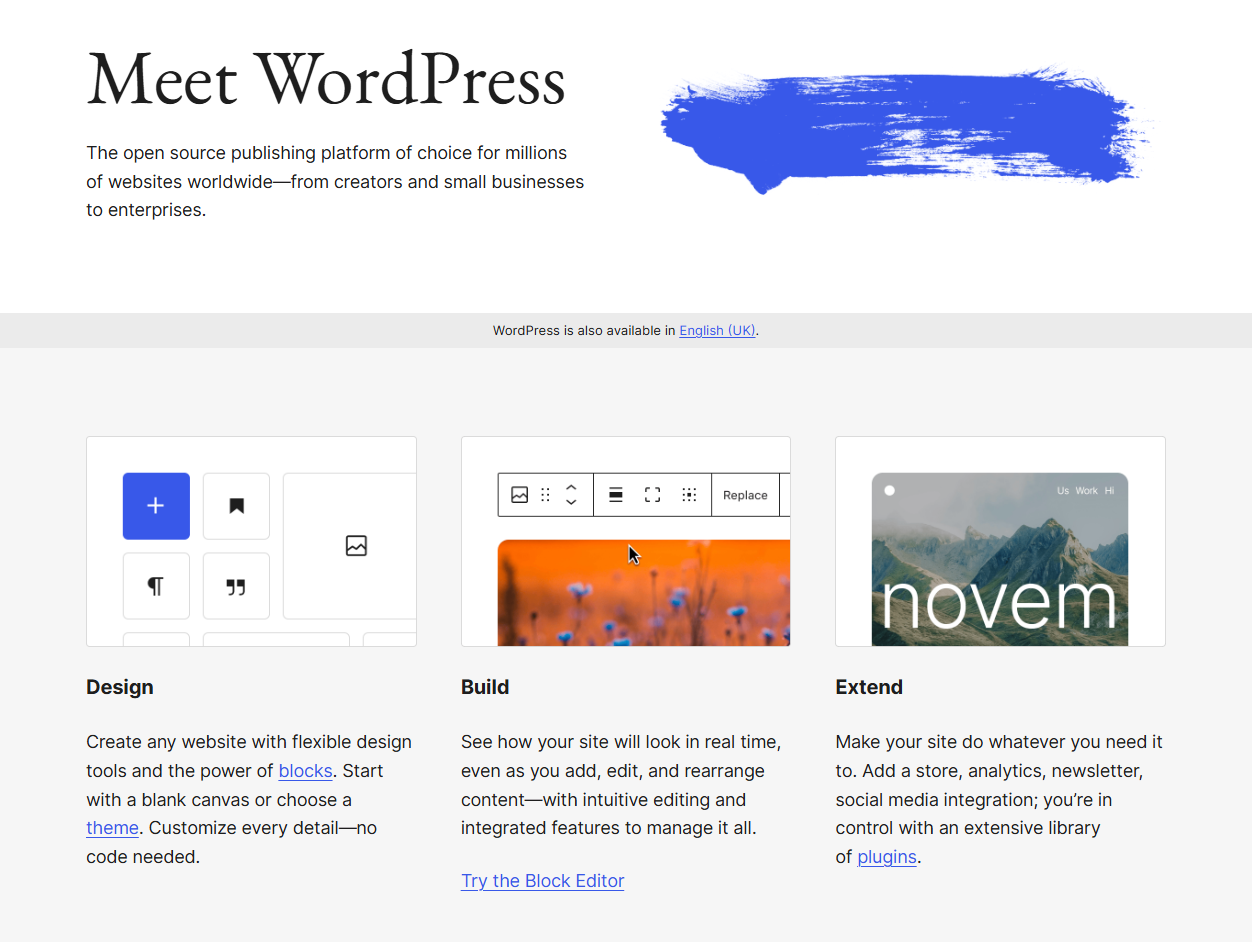
WordPress is popular because it gives you full control over your website. You are not locked into one company, one design system, or one pricing model. You can change how your site looks, add new features, or move to a different host whenever you want.
Another reason people choose WordPress is its flexibility. It works just as well for a personal blog as it does for a business website, portfolio, or online store. You can start with a simple setup and expand later without rebuilding everything from scratch. This makes WordPress a good long-term choice.
WordPress also has a large ecosystem behind it. There are thousands of themes and plugins, along with endless tutorials, videos, and guides. If you get stuck, chances are someone else has already solved the same problem and shared the solution.
Cost is another factor. WordPress itself is free, and many themes and plugins are free too. You only pay for hosting, a domain name, and optional tools. Over time, this can be more affordable than website builders that charge ongoing monthly fees.
That balance between control, flexibility, and long-term value is why so many people stick with WordPress.
What Makes WordPress Easy or Hard to Use
WordPress has a learning curve, but it is not difficult for the same reasons as other tools. Some parts feel simple almost right away, while others take time to understand. Knowing the difference helps set the right expectations.
What Makes WordPress Easy
One of the easiest parts of WordPress is publishing content. The block editor works much like a document editor, so creating posts and pages feels familiar. You can add text, images, videos, and headings without touching any code.
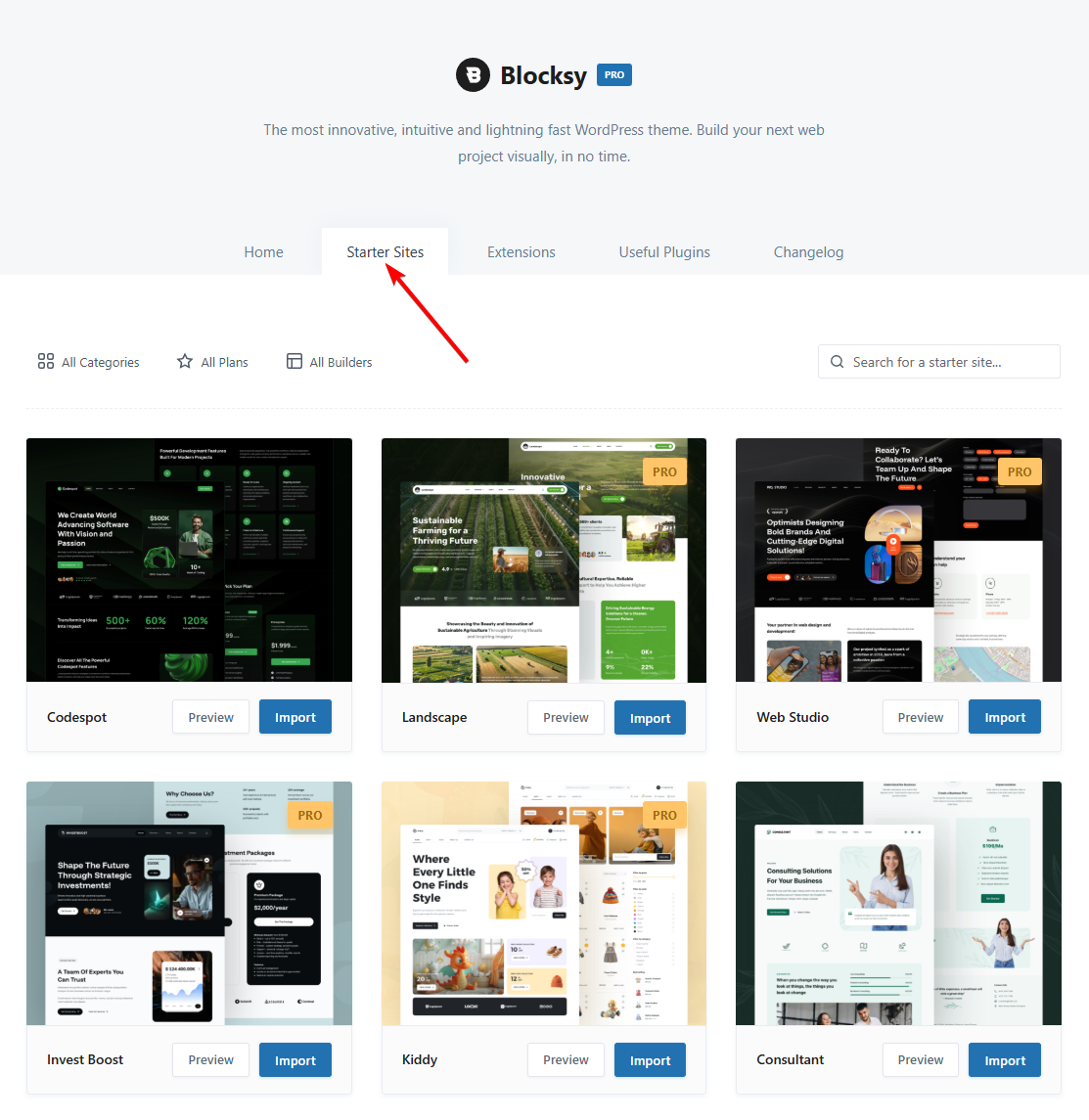
Themes also make WordPress easier to use. Many modern themes include starter sites that give you a ready-made design. Instead of starting with a blank page, you can import a layout and replace the content with your own. This removes a lot of early friction.
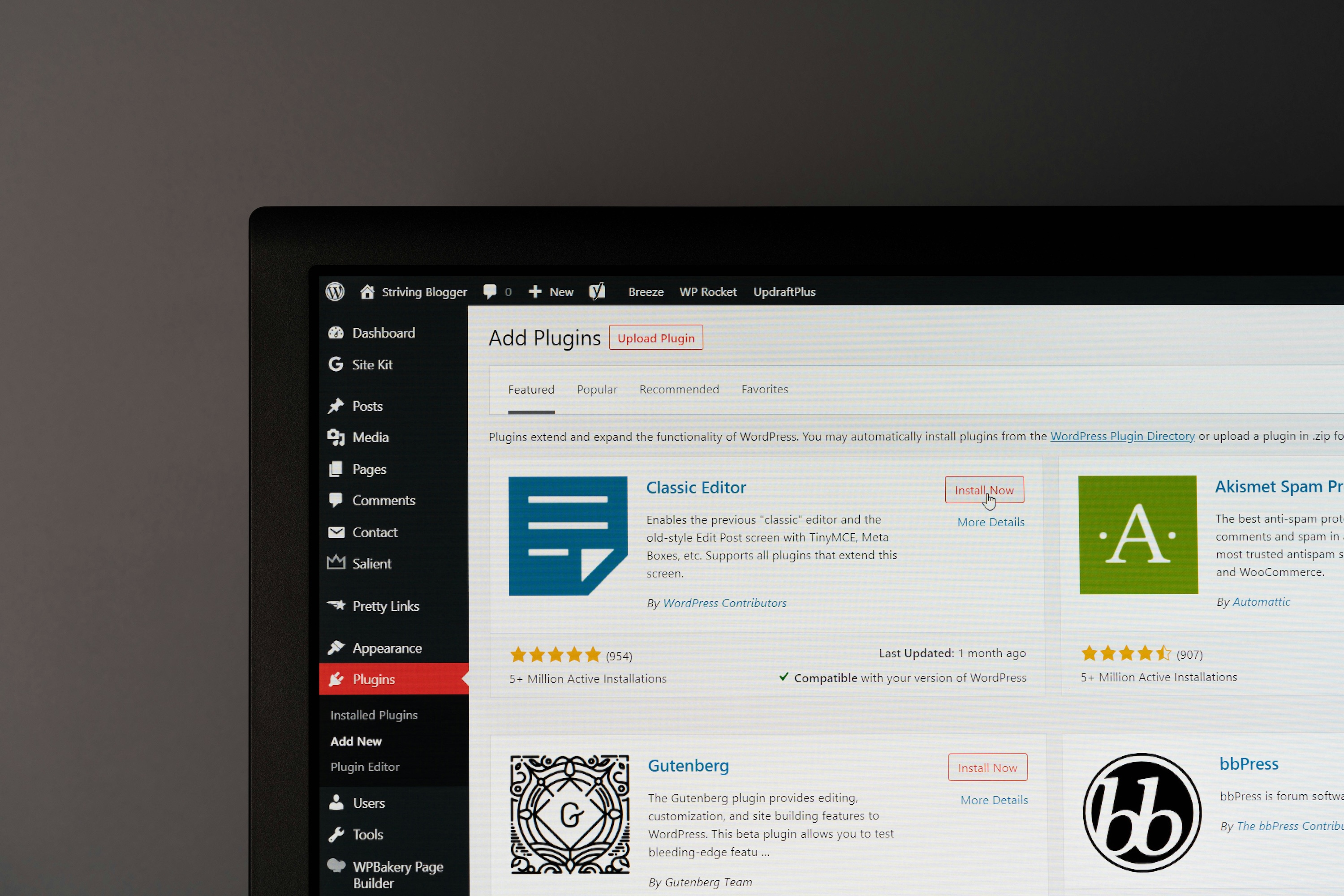
Plugins are another reason WordPress feels accessible. You can add features like contact forms, galleries, or SEO tools with a few clicks. There is no need to build these features yourself, which saves time and effort.
As you use WordPress more, patterns start to repeat. Creating pages, editing menus, and adjusting settings follow similar steps. Once you learn the basics, new tasks feel less intimidating.
What Makes WordPress Hard
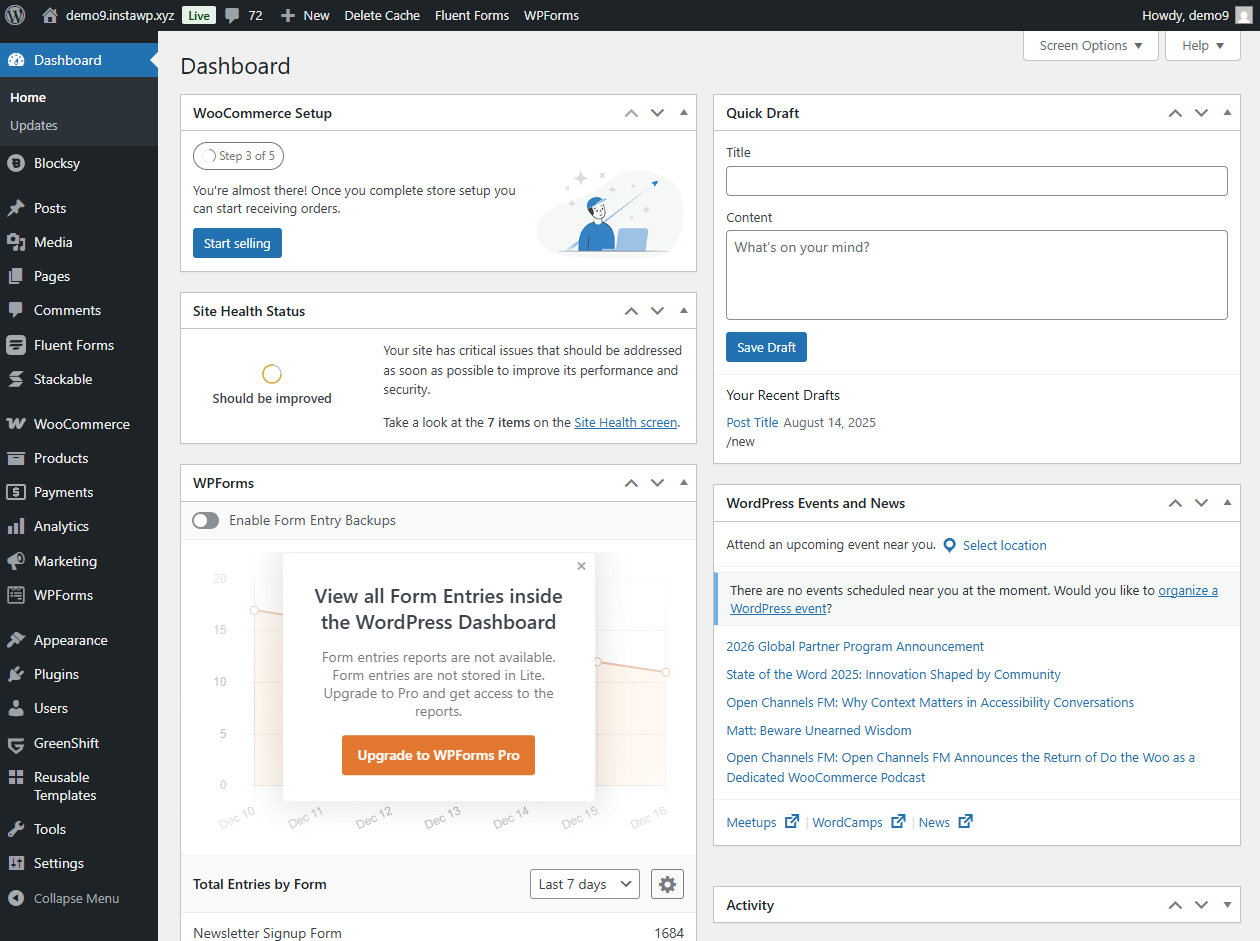
The main challenge for beginners is the dashboard. It shows many options at once, and it is not always clear which ones matter. Without guidance, it is easy to feel overwhelmed by settings you do not yet need.
Theme and plugin choices can also make WordPress harder than it should be. Some themes are bloated, and some plugins are poorly built. Beginners often install too many tools at once, which adds complexity and can slow the site down.
Certain setup tasks require extra steps. Things like configuring menus, setting permalinks, or understanding widgets are not always intuitive. These steps are manageable, but they take time to learn.
Design customization can also be tricky. Simple changes are easy, but deeper layout edits often require a flexible theme or a visual editor. And complex designs can cause the website to break.
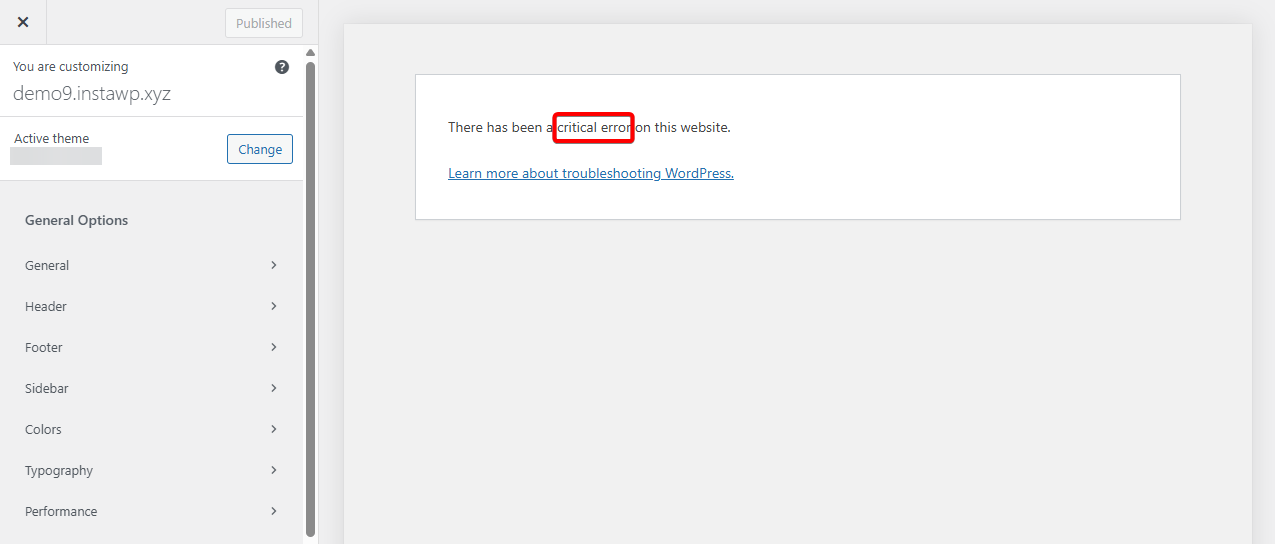
WordPress is not hard because it is broken. It feels hard when too many choices are introduced too quickly. With a cleaner setup and better tools, much of that difficulty disappears.
How I Learned to Use WordPress (Personal Perspective)
I started using WordPress almost a decade ago with a free WordPress blog. At the time, I did not have a clear plan. I just wanted a place to write and publish content. I chose WordPress because almost everyone was recommending it, and so I wanted to try out the most popular blogging platform out there.
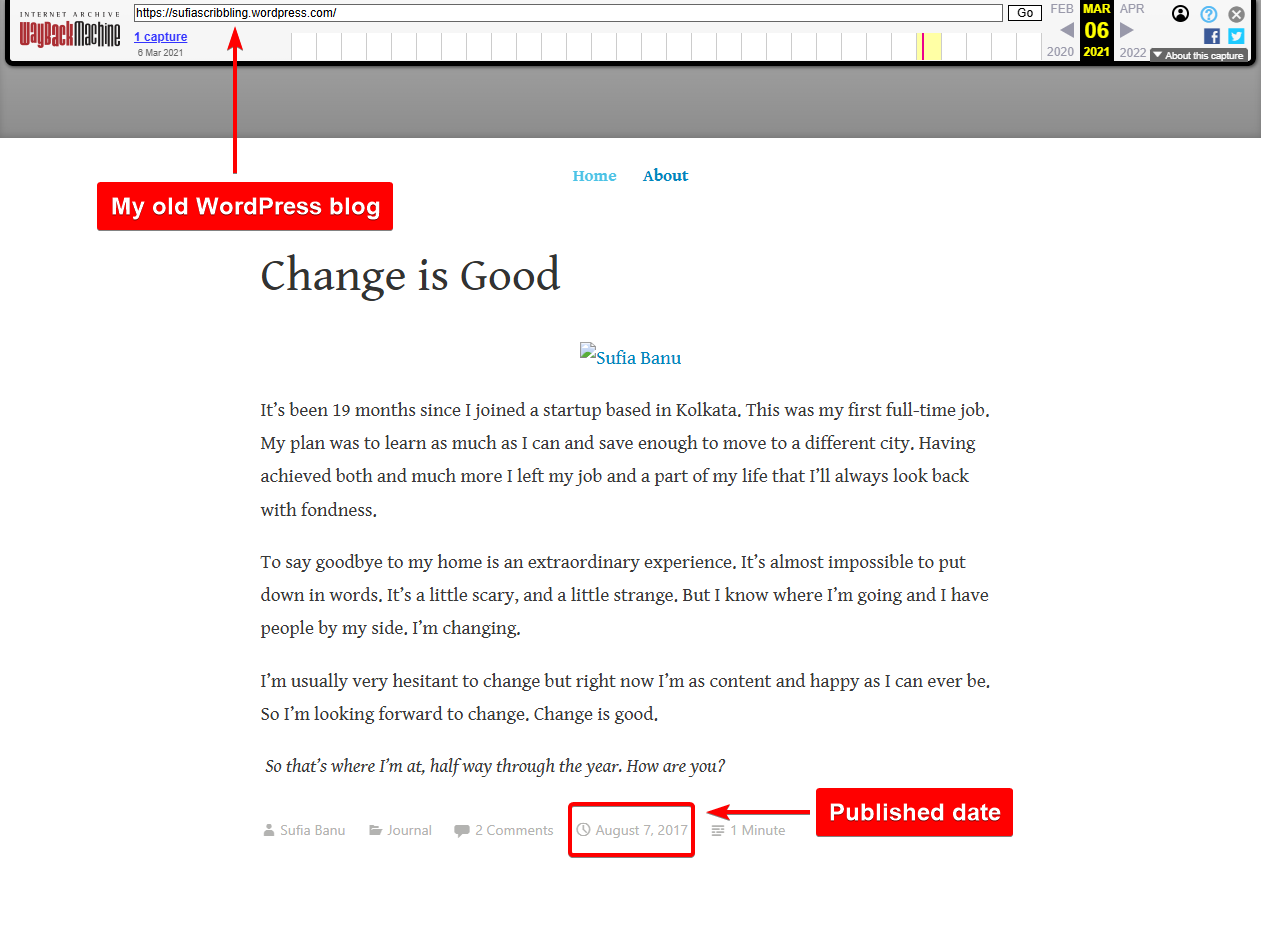
My first lessons were very basic. I learned how to publish posts and create pages. I slowly understood the difference between the two by using them. Nothing clicked instantly. Operating WordPress became easier with practice.
After that, I began experimenting with plugins. I installed simple tools like contact forms and SEO plugins. This helped me see how WordPress could be extended without any coding. Each plugin taught me a little more about how the platform worked.
Later, I bought a domain name and built a small portfolio site to display the work I’d been doing for my clients. This was when WordPress started to feel more real. I had a goal and a reason to learn. I needed pages, navigation, and a layout that made sense.
I also tried different block themes and starter sites. Importing a ready-made design saved a lot of time. From there, I made small changes until the site matched what I had in mind. This step taught me more about layouts, spacing, and design choices.
Anyone can follow this same path. Learn one feature at a time. WordPress is not something you master in a weekend, but it becomes easier the more you use it.
Fastest & Easiest Way to Learn WordPress
Learning WordPress does not have to feel slow or overwhelming. Most beginners struggle because they try to understand everything at once. The fastest way to learn is to follow a simple path, focus on practical tasks, and build confidence step by step.
Step 1: Start with one clear and simple goal
Begin with a small task, such as creating a single page or publishing your first blog post. This helps you understand the interface without feeling overloaded. Small wins make the dashboard feel less intimidating and give you a sense of progress early on. Once you complete one task, it becomes easier to move on to the next.
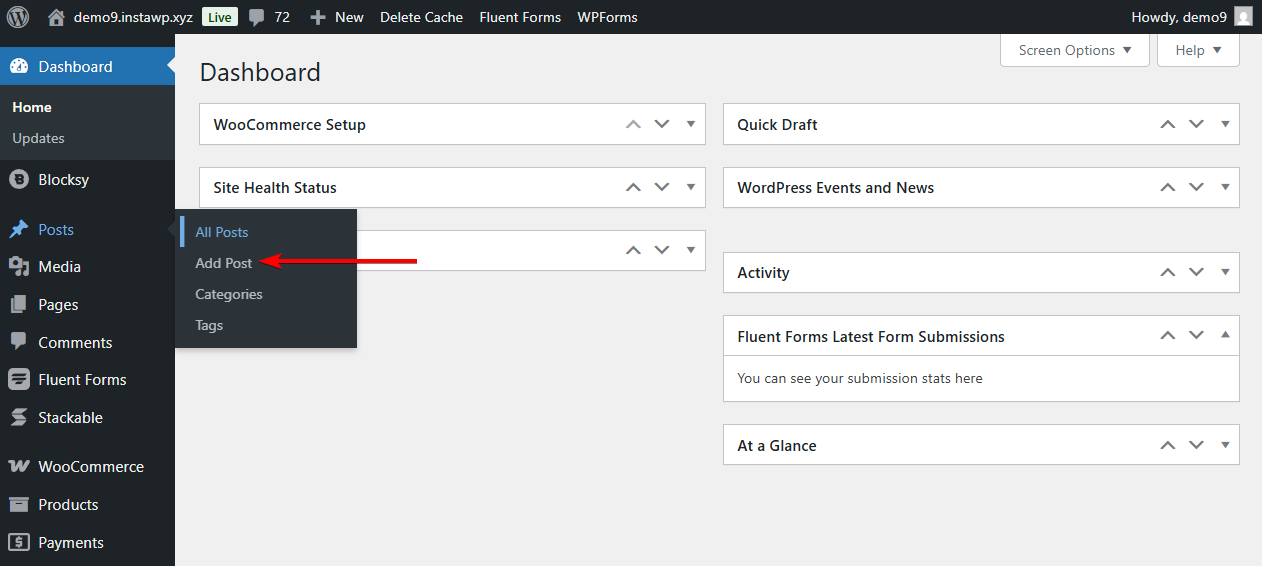
Step 2: Choose a beginner-friendly theme
A clean and lightweight theme makes a big difference when learning WordPress. Beginner-friendly themes reduce clutter and keep options simple. Starter templates are especially useful because they give you a ready-made structure instead of a blank screen. This lets you focus on content and layout rather than design decisions.
Step 3: Learn by watching and following along
Video tutorials are one of the easiest ways to learn WordPress. Watching someone navigate the dashboard, create pages, and adjust settings helps you understand how things connect. You can pause, rewind, and repeat steps until they make sense. Following along on your own site reinforces what you learn.
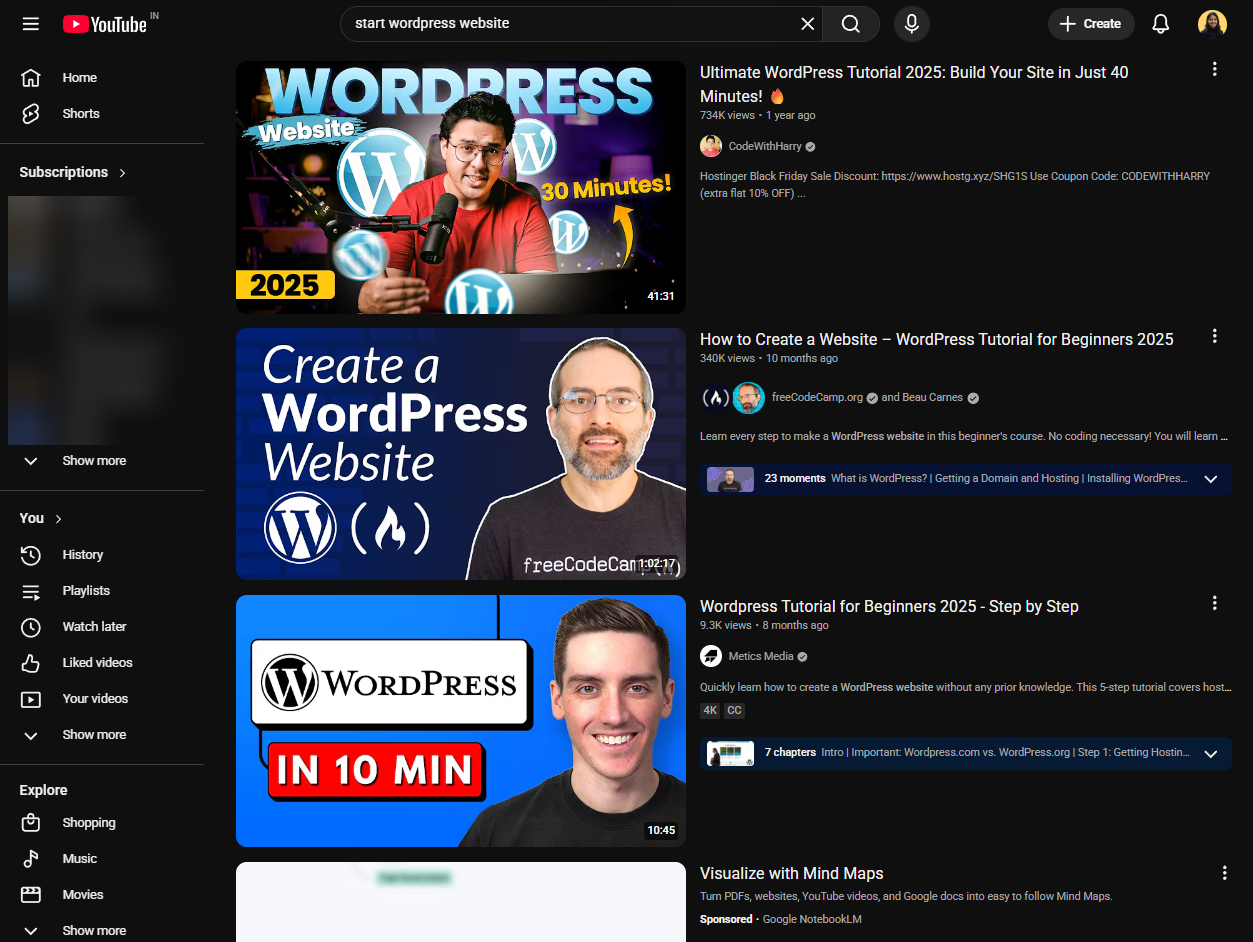
The free courses on Learn WordPress provide a clear learning path and remove guesswork.
- The Beginner WordPress User course teaches the basics, like posts, pages, and settings
- The Intermediate course helps you work with blocks, plugins, menus, and theme options
- The Advanced course introduces site tools, block themes, and deeper customization
Together, these courses help you build skills gradually instead of jumping ahead too quickly.
Step 4: Keep your setup simple
Avoid installing too many plugins at the beginning. A simple setup keeps the dashboard clean and helps you understand how WordPress works at its core. Each new plugin adds options, so it is better to learn slowly and add tools only when you need them.
Step 5: Repeat common tasks
Repetition is key to learning WordPress. Creating pages, editing menus, and adjusting layouts again and again helps everything feel familiar. Over time, tasks that once felt confusing become routine and require less effort.
The fastest way to learn WordPress is not by rushing through features but by building steadily.
With small goals, the right tools, and regular practice, WordPress becomes easier with every step. What feels complex at first often becomes second nature once you give yourself time to learn.
Start a free WordPress blog. One of the major downsides of a free blog is that your domain will look like this – sitename.wordpress.com. That shouldn’t matter if getting used to the platform is your main goal.
For starting a full-fledged WordPress website with a proper domain name, we have a separate guide: Build a WordPress website.
FAQs
Is it difficult to learn WordPress?
WordPress is not difficult, but it does have a learning curve. Beginners often feel overwhelmed at first because there are many options and settings. Once you learn the basics and focus on simple tasks, WordPress becomes much easier to use and understand.
How quickly can you learn WordPress?
You can learn the basics of WordPress in a few days, especially tasks like creating pages, publishing posts, and installing themes. Feeling fully comfortable usually takes a few weeks of regular practice. The speed depends on your goals and how consistently you use the platform.
What are the downsides of using WordPress?
WordPress gives you flexibility, but that also means more decisions. Beginners may struggle with choosing themes and plugins or managing updates. Without a clean setup, sites can become slow or confusing. However, most downsides are manageable with the right tools and guidance.
Conclusion
WordPress can feel overwhelming at the beginning, especially if you are new to building websites. Most of that difficulty comes from unfamiliar tools, too many choices, and not knowing where to start. Once the basics are in place, the platform becomes far more approachable.
What makes WordPress worth learning is the long-term value it offers. You are not just learning how to use a website builder. You are learning a flexible system that can grow with your goals, whether that means starting a blog, building a portfolio, or running a business site.
With the right theme, a simple setup, and steady practice, WordPress becomes easier over time. If you want full control, ownership of your site, and skills that remain useful for years, WordPress is absolutely worth the effort.
If you have any questions about ‘how easy is WordPress,’ let us know in the comment section below.