


WordPress powers millions of websites, from personal blogs to growing online businesses, which makes it an incredibly flexible platform. But its popularity also means security should be part of every site owner’s routine.
This guide is designed for non-technical users who want a clear, practical way to build a secure WordPress website without getting lost in complicated jargon or fear-driven advice.
In 2026, most WordPress security risks come from preventable issues like outdated plugins, weak passwords, or poor configuration, not from the WordPress core itself.
That’s why the focus here is simple: prevention and sustainable habits.
You’ll learn essential WordPress security best practices, common threats to watch for, and practical tools, including trusted WordPress security plugins and WordPress malware protection strategies to help keep your site safe and running smoothly.
Understanding WordPress Security Basics
WordPress powers a huge portion of the internet (nearly 43% of all websites) which makes it one of the most widely used platforms in the world. Its popularity is also a big reason it’s frequently targeted by attackers.
However, that doesn’t mean WordPress itself is insecure. In fact, the core software is actively maintained and regularly updated with security improvements.
Most vulnerabilities come from outdated plugins and themes, poor site management practices, or weak login credentials. To build a secure WordPress website, it helps to understand the most common types of threats. Some of the most common ones include:
- Brute-force login attempts and credential-stuffing attacks try to guess passwords using automated bots.
- Malware injections and file compromises happen when attackers exploit vulnerabilities to insert harmful code into your site.
- SQL injection and cross-site scripting attacks attempt to manipulate forms or scripts to access sensitive data or run unauthorized commands.
- DDoS attacks overwhelm your site with fake traffic, potentially causing downtime or performance issues.
- Spam submissions, fake registrations, or malicious scripts are designed to exploit unprotected forms.
The key takeaway is that strong WordPress security best practices, like keeping software updated and using trusted tools, can prevent the vast majority of these issues before they ever become a problem.
5 WordPress Security Best Practices
A secure WordPress website starts with a few essential habits.
These WordPress security best practices focus on prevention, helping you reduce risks, protect data, and maintain long-term stability.
#1: Keep Everything Updated
One of the simplest and most effective WordPress security best practices is keeping everything up to date.
WordPress core, themes, and plugins regularly release updates that include bug fixes, performance improvements, and most importantly, security patches. When software becomes outdated, known vulnerabilities can remain exposed, making it easier for attackers or automated bots to exploit your site.
Start by enabling automatic updates for minor WordPress core releases whenever possible. Many plugins and themes also allow auto-updates, which can help maintain a secure WordPress website without constant manual work.
If you prefer more control, you can set a weekly reminder to review available updates and apply them after confirming compatibility.
Pro tip: Before updating major plugins or themes, it’s a good habit to create a backup in case something conflicts with your site’s setup.
It’s also a good idea to audit your active plugins and themes and remove any you’re no longer using. Inactive software can still create security risks if it’s outdated.
#2: Choose Secure Hosting
Your hosting provider plays a major role in building a secure WordPress website, because many important protections happen at the server level before threats even reach your site.
Look for hosting that includes server-level firewalls, which monitor incoming traffic and block suspicious activity before it reaches your WordPress installation.
Many quality hosts also offer built-in malware scanning that automatically checks files for harmful code or unexpected changes. This is a useful layer of WordPress malware protection that runs in the background.
HTTPS and SSL certificates are another essential feature. They encrypt the data shared between your visitors and your website, helping protect login details and customer information while improving trust and SEO performance.
Some managed WordPress hosting plans also include automatic updates, daily backups, and proactive monitoring, all of which support strong WordPress security best practices.
#3: Set Up Strong Login Protection
Your login page is one of the most common targets for automated attacks, so strengthening access is a key part of WordPress security best practices.
The most important thing you can do is use strong, unique passwords for every account. A password manager can help you generate and store complex login credentials without needing to memorize them.
Avoid using “admin” or other predictable usernames since attackers often try these first during brute-force attempts. If your site already has a default admin account, consider creating a new administrator user and removing or renaming the original one.
Adding Two-Factor Authentication (2FA) provides an extra layer of protection by requiring a second verification step, such as a mobile app code, in addition to your password. Even if someone guesses your login details, they won’t be able to access your site without that second factor.
Limiting login attempts is also a helpful measure that’s easy to implement in WordPress. This blocks repeated failed logins from the same IP address, helping prevent bots from endlessly testing passwords.
Together, these simple steps significantly strengthen login security and help maintain a secure WordPress website.
#4: Have a Reliable Backup Strategy
Even with strong WordPress security best practices, having a reliable backup strategy is essential.
Backups act as your safety net, allowing you to quickly restore your site if something goes wrong, whether it’s a plugin conflict, accidental changes, or a security incident.
How often you back up depends on how frequently your site changes. For blogs or business websites updated occasionally, weekly backups may be enough. If you run an active store or publish content daily, consider automated daily backups so you always have a recent restore point.
It’s also important to store backups off-site, such as in a secure cloud storage or a separate server. Off-site backups protect your data if your hosting account is compromised. The main advantage is reliability and accessibility during emergencies. The downside is that cloud storage may add a small ongoing cost and requires occasional organization to keep files manageable.
Many hosting providers and WordPress security plugins offer automated backup options, making the process simple even for non-technical users and helping maintain a consistently secure WordPress website.
#5: Create User Roles and Manage Permissions
Managing user access is a simple but often overlooked part of WordPress security best practices.
Every account connected to your site should only have the permissions it truly needs, nothing more. This principle, known as “least privilege”, helps reduce the risk of accidental changes or unauthorized access.
WordPress includes several default user roles:
- Administrators have full control over the site.
- Editors can manage and publish content.
- Authors can publish their own posts.
- Contributors can write drafts.
- Subscribers typically have minimal access.
Assign roles carefully based on responsibilities rather than convenience.
It’s also important to regularly audit your user list. Remove inactive accounts, update permissions when someone’s role changes, and keep a look out for any unfamiliar users.
With clear user management and routine reviews, you reduce potential vulnerabilities and keep your site organized and protected.
3 Best WordPress Security Plugins
Using a trusted security plugin is one of the easiest ways to protect your WordPress site.
WordPress security plugins provide features like firewalls, malware scanning, login protection, and file-change detection, all in a user-friendly interface. For non-technical users, these plugins simplify security management by automatically handling many preventive tasks.
In this section, we’ll highlight three of the most reliable options in 2026, helping you add an extra layer of protection to your site.
#1: Wordfence Security
Wordfence Security is one of the most popular WordPress security plugins, trusted by millions of site owners for its comprehensive protection.
It combines a firewall, malware scanner, and real-time threat detection to keep your site safe from hackers and malicious bots.
The firewall blocks malicious traffic before it reaches your WordPress installation, while the malware scanner checks files, themes, and plugins for suspicious code. Wordfence also monitors login attempts and supports Two-Factor Authentication, helping prevent unauthorized access.
For non-technical users, Wordfence makes security manageable with an intuitive dashboard that highlights potential issues and recommended actions. It also includes alerts via email, so you’re notified immediately if something unusual is detected.
Wordfence’s combination of proactive blocking, scanning, and login protection makes it an excellent choice for anyone looking to strengthen their secure WordPress website.
Whether you’re running a personal blog or an online store, it provides a robust layer of defense with minimal setup.
#2: Sucuri Security
Sucuri Security is a powerful WordPress security plugin designed to protect your site from malware, hacks, and performance issues.
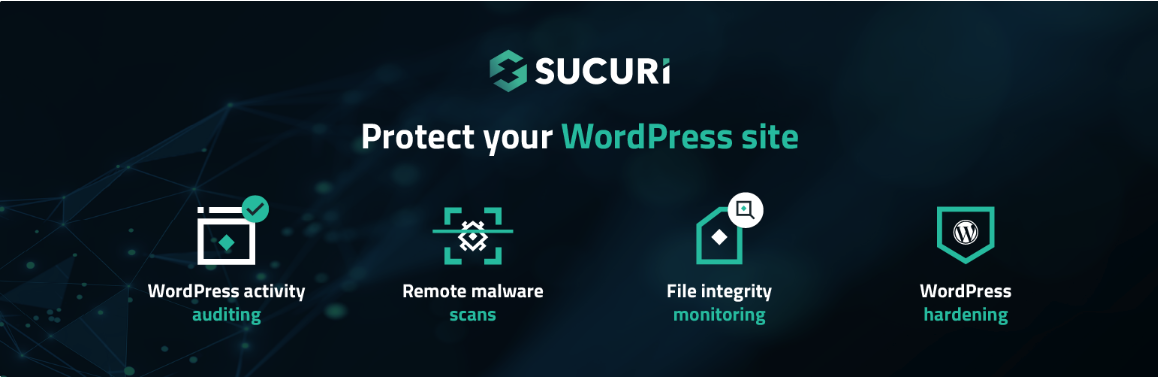
It offers a comprehensive set of tools, including a website firewall, malware scanning, security activity auditing, and post-hack cleanup services.
The Sucuri firewall helps block malicious traffic and DDoS attacks before they reach your site, improving both security and performance. Its malware scanner regularly checks your files, themes, and plugins for suspicious changes, ensuring any potential issues are detected early.
Security activity auditing tracks logins, file changes, and user actions, giving you full visibility into your site’s activity. Sucuri also makes it simple for non-technical users to maintain a secure WordPress website.
Alerts are sent via email when problems are detected, along with clear guidance on how to resolve them. By combining proactive defense, continuous monitoring, and easy-to-understand reporting, Sucuri helps keep your site protected against evolving online threats.
#3: MalCare
MalCare is a user-friendly WordPress security plugin that focuses on malware protection and automated site cleaning.
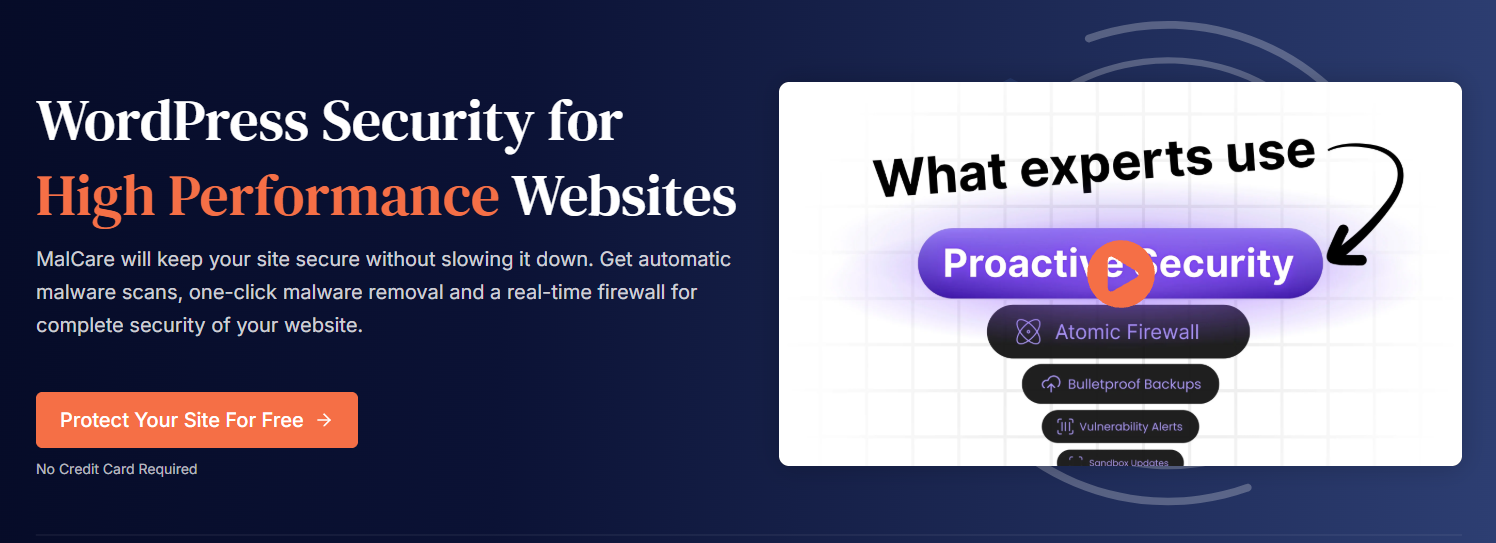
It’s designed for site owners who want a simple, hands-off solution for maintaining a secure WordPress website without constant monitoring.
MalCare’s malware scanner runs daily and uses advanced algorithms to detect even complex threats that some scanners might miss. When malware is detected, the plugin can automatically remove it with a single click, saving you time and reducing stress.
In addition to malware protection, MalCare offers a firewall that blocks malicious traffic, login protection to prevent brute-force attacks, and site hardening recommendations to strengthen weak points.
For non-technical users, MalCare stands out because of its easy-to-understand dashboard and automated processes. It also provides backup integration, so you can restore your site quickly if needed.
By combining continuous scanning, instant malware removal, and proactive security measures, MalCare delivers a reliable, low-maintenance WordPress security solution.
Conclusion
The bottom line is that keeping your WordPress site secure doesn’t have to be complicated.
By keeping everything updated, choosing secure hosting, strengthening login protection, maintaining reliable backups, and managing user roles carefully, you can prevent the majority of security threats before they ever become a problem.
Adding trusted WordPress security plugins like Wordfence, Sucuri, or MalCare provides an extra layer of protection, simplifying malware scanning, firewall management, and login security.
The key is consistency: building security into your regular site maintenance routine ensures that your content, users, and data stay safe.
In 2026, a proactive approach to WordPress security is the most effective strategy. By focusing on prevention, monitoring, and practical tools, you can maintain a secure WordPress website with confidence, peace of mind, and minimal technical stress.
And if you run a WooCommerce store, be sure to check out this post on E-Commerce Website Security: 15 Tips to Futureproof Your Business.







This is a really helpful overview of security practices to keep in mind. I appreciate the emphasis on keeping plugins and themes updated, especially since you mentioned outdated software is a common vulnerability. It’s also good to be reminded of the importance of strong passwords and two-factor authentication.
This is a really helpful guide, especially focusing on the importance of staying updated with the latest PHP