

Websites collect personal data every day, through contact forms, email signups, comments, analytics tools, or checkout pages. Sometimes, site owners forget to add a proper privacy policy or delay setting one up.
When a website does not clearly explain how user data is collected and used, visitors may feel uncertain or hesitant to engage. This can affect trust, especially for sites that rely on signups, purchases, or user accounts. Missing or unclear privacy policies can also create legal and compliance risks in some regions.
Creating a privacy policy from scratch can feel overwhelming. Laws like GDPR, CCPA, and CalOPPA include specific disclosure requirements, and legal language is not always easy to understand or write correctly.
Privacy policy generator tools simplify this process. They create ready-to-use policies based on simple questions about your website and the data you collect. This helps site owners stay compliant, avoid common mistakes, and show users that their privacy is taken seriously.
In this guide, we will explain what a privacy policy is, why your website needs one, take a look at the best privacy policy generator tools, and show you how to add a privacy policy to a WordPress site using Blocksy.
Let’s get started!
What Is a Privacy Policy?
A privacy policy is a public document that explains what information your website collects, why you collect it, how it’s stored, and what happens to that data after it is submitted.
This information can include names, email addresses, IP addresses, cookies, payment details, third-party tools such as analytics services, email platforms, etc.
Benefits of Adding a Privacy Policy to Your Site
- Builds trust by clearly explaining how user data is collected and handled.
- Helps your site align with major privacy laws like GDPR, CCPA, and CalOPPA.
- Reduces legal and compliance risks, especially when using third-party tools.
- Improves credibility for eCommerce stores, membership sites, and blogs.
- Sets clear expectations for users, which can reduce confusion and complaints.
- Makes it easier to update and communicate changes to your data practices.
For visitors, the policy provides clarity and transparency. For site owners, it helps present their business as trustworthy and meet legal requirements in many regions, especially when collecting identifiable information like home addresses, phone numbers, etc.
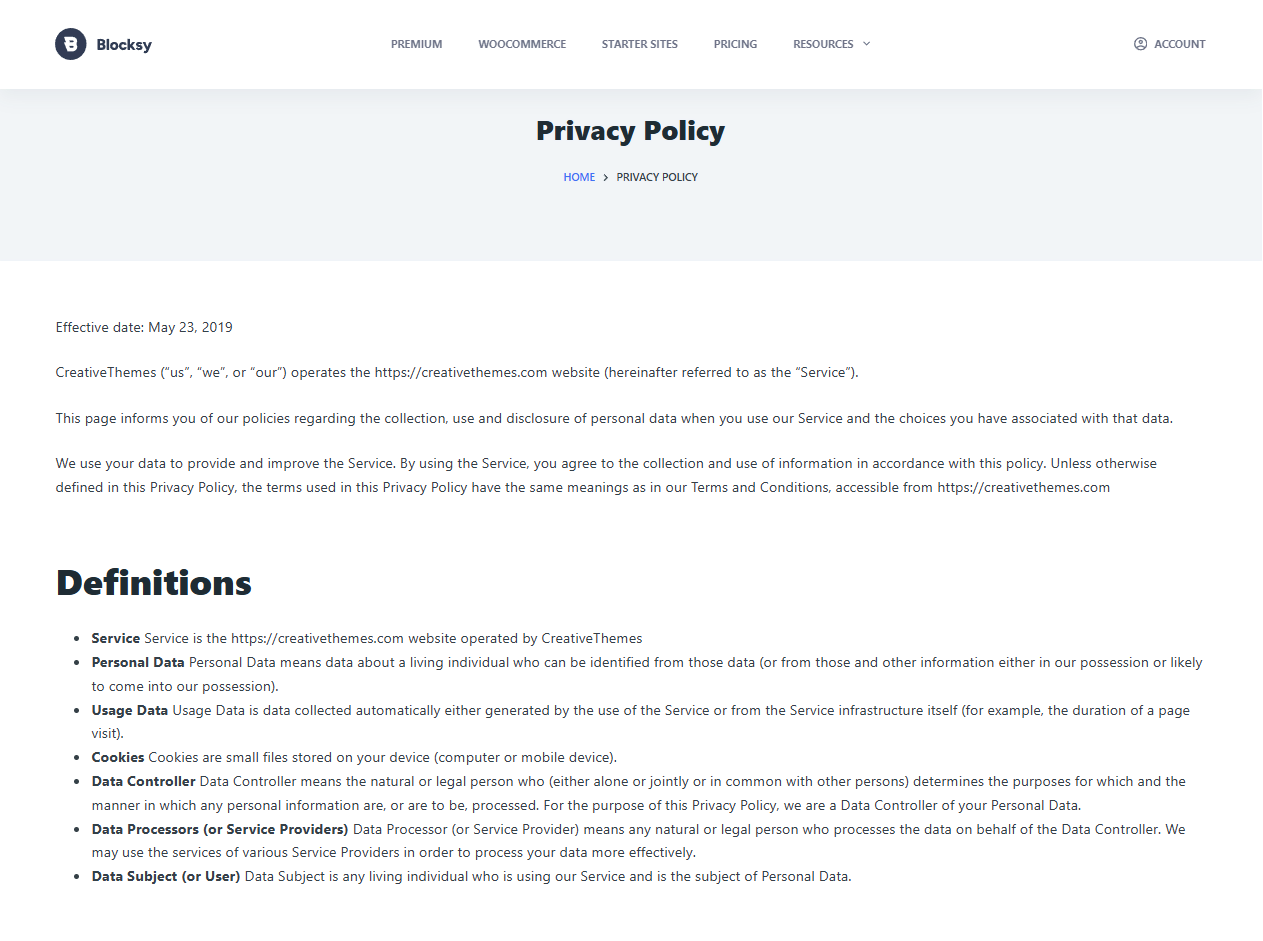
Here’s a quick look at a privacy policy. If you like, feel free to read our privacy policy.
Do You Need a Lawyer to Generate a Privacy Policy for a Site?
In most cases, you do not need a lawyer to create a privacy policy for your website. Many websites collect basic user data and can, therefore, meet common legal requirements using a privacy policy generator.
These tools are designed to cover widely used regulations such as GDPR, CCPA, and CalOPPA. They guide you through simple questions about your site, the data you collect, and the tools you use, then generate a policy that reflects those choices.
A lawyer may be helpful if your website handles sensitive personal data, operates in a regulated industry, or manages complex data flows across multiple regions. This includes areas like healthcare, finance, or large-scale data processing.
A privacy policy generator offers a fast and affordable way to create a clear and accurate privacy policy without legal complexity. That should do for most websites. That said, websites handling personal data should definitely get their privacy policy reviewed or consider creating one from scratch via a professional lawyer.
Top 5 Best Privacy Policy Generator Tools
TermsFeed
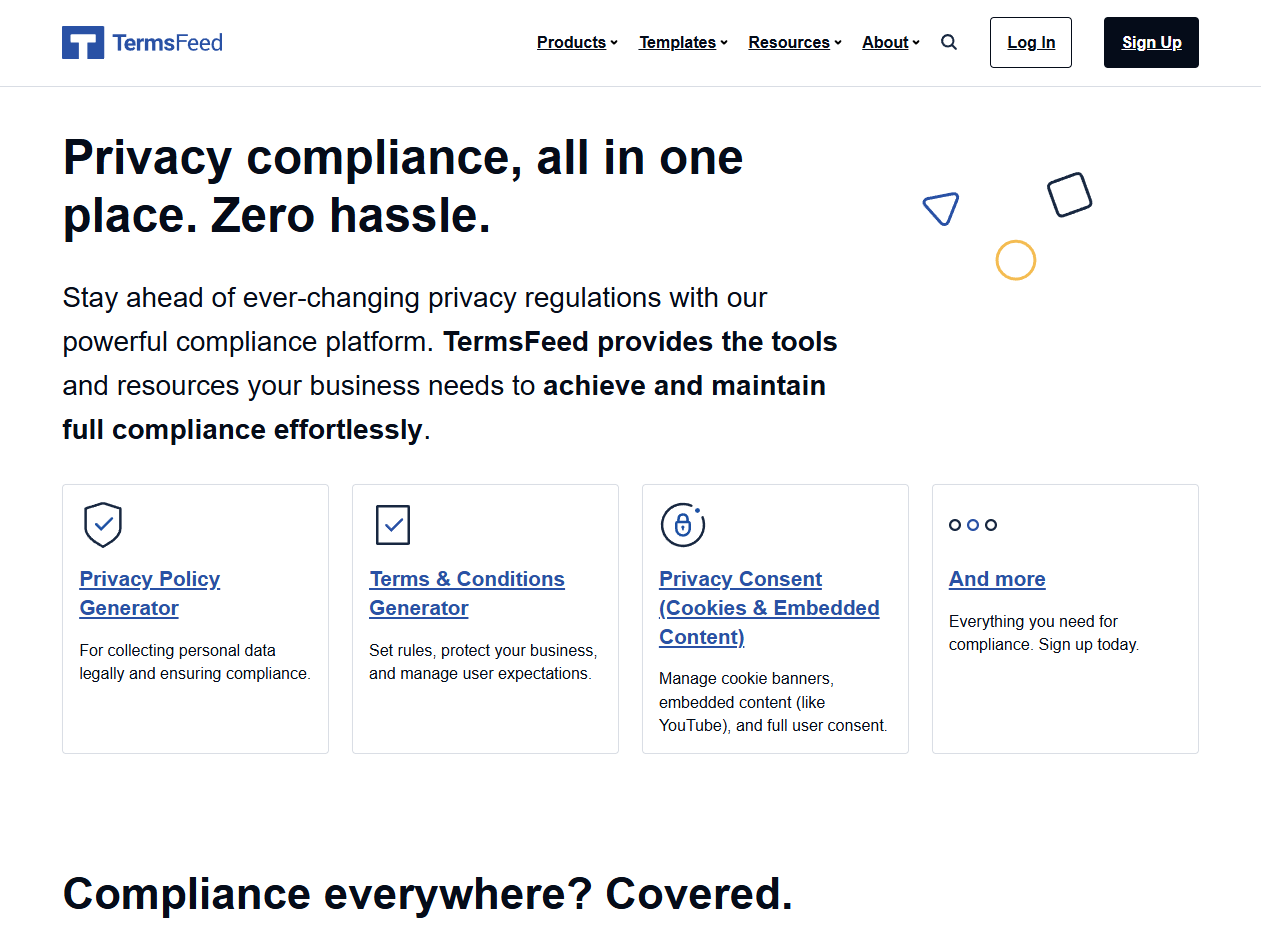
TermsFeed is an all-in-one compliance platform designed to help websites, apps, and online businesses generate legal policies with minimal effort.
Its privacy policy generator walks users through a structured questionnaire that adapts based on location, data collection methods, and third-party tools used.
In addition to privacy policies, TermsFeed also offers generators for terms and conditions, cookie policies, disclaimers, and consent notices. The platform supports major regulations like GDPR, CCPA, CPRA, and CalOPPA, making it suitable for blogs, eCommerce stores, SaaS products, and mobile apps.
TermsFeed offers a free version for basic documents. If you need additional legal coverage, you can pay once to add specific clauses, such as GDPR, CCPA, analytics, or payment processor disclosures, typically starting from around $10 to $80 per add-on, depending on the clause. Cookie consent and consent management features are offered through monthly or annual subscription plans, starting at about $10 per month or $100 per year.
GetTerms
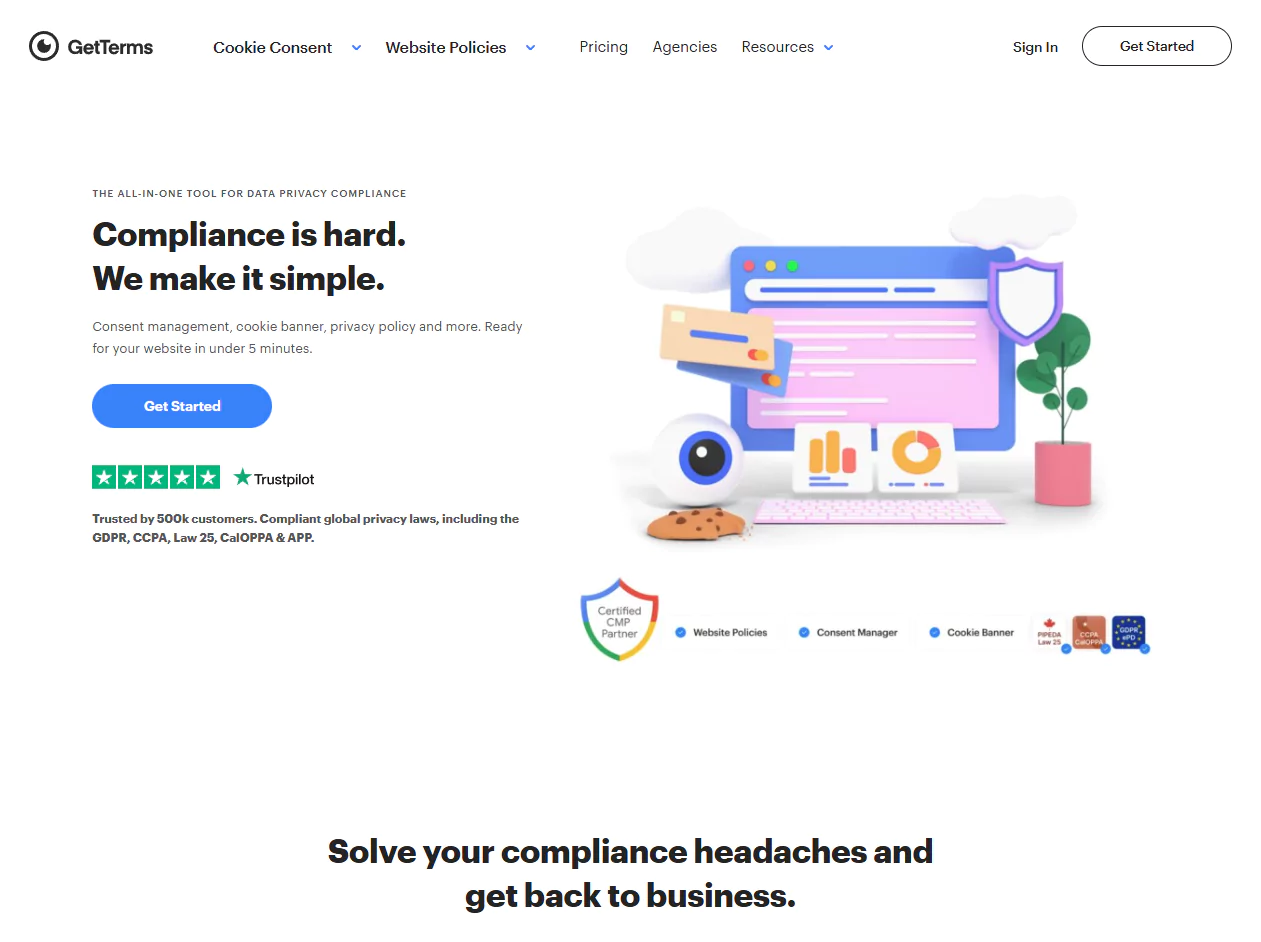
GetTerms makes privacy compliance simple and accessible for website owners who want quick results.
The platform helps generate privacy policies, cookie policies, terms and conditions, and consent banners through a short onboarding process. Policies are written in clear language and reviewed by legal professionals to meet global standards.
GetTerms supports a wide range of regulations, including GDPR, CCPA, CalOPPA, PIPEDA, and others.
It also offers multiple ways to publish policies, including hosted pages, WordPress integration, or copy-paste embeds.
GetTerms uses flexible pricing with monthly, annual, and lifetime plans. Annual plans start at around $5 per site per month, monthly plans start at about $9 per site, and lifetime plans begin at a one-time fee of roughly $199. Lower tiers cover basic privacy policies, while higher plans add cookie consent management, multiple legal documents, and automated compliance tools.
Termly
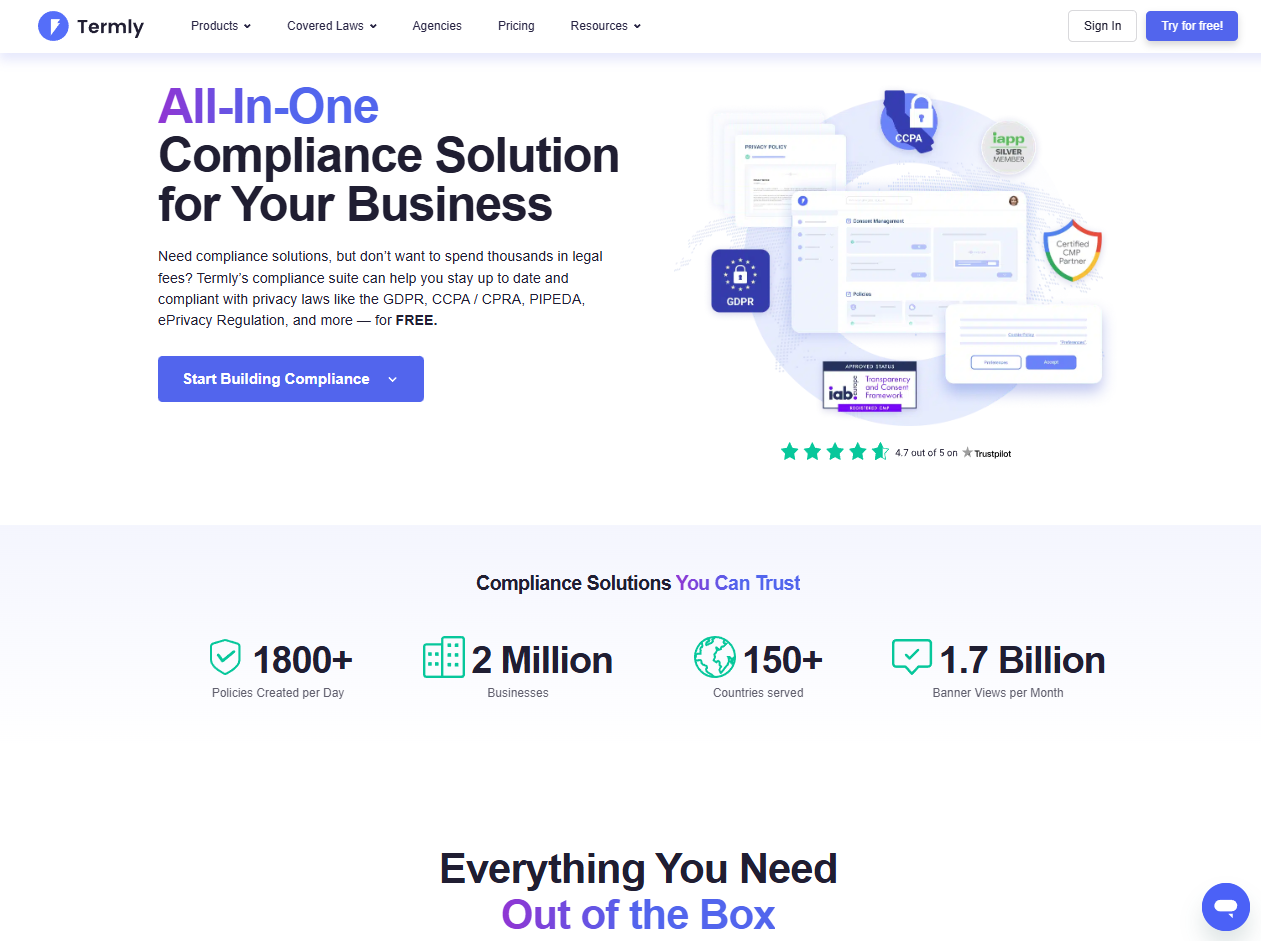
Termly is a full compliance platform designed for websites and apps that want ongoing privacy and consent management.
Its privacy policy generator helps users create policies that align with global regulations such as GDPR, CCPA, CPRA, and PIPEDA. Beyond policies, Termly also includes cookie consent banners, preference centers, and data subject request tools.
The platform is well-suited for growing businesses that need more than a one-time document and want automated updates as privacy laws change. Termly supports websites, eCommerce stores, and apps across multiple regions.
Termly offers a free plan that includes one basic legal policy and limited banner views. Paid plans follow a subscription model, starting at around $14 per website per month when billed monthly or $10 per month when billed annually.
Higher-tier plans cost about $20 per month or $15 per month annually and unlock unlimited policies, advanced cookie consent features, automated updates, and broader compliance controls.
PrivacyPolicies
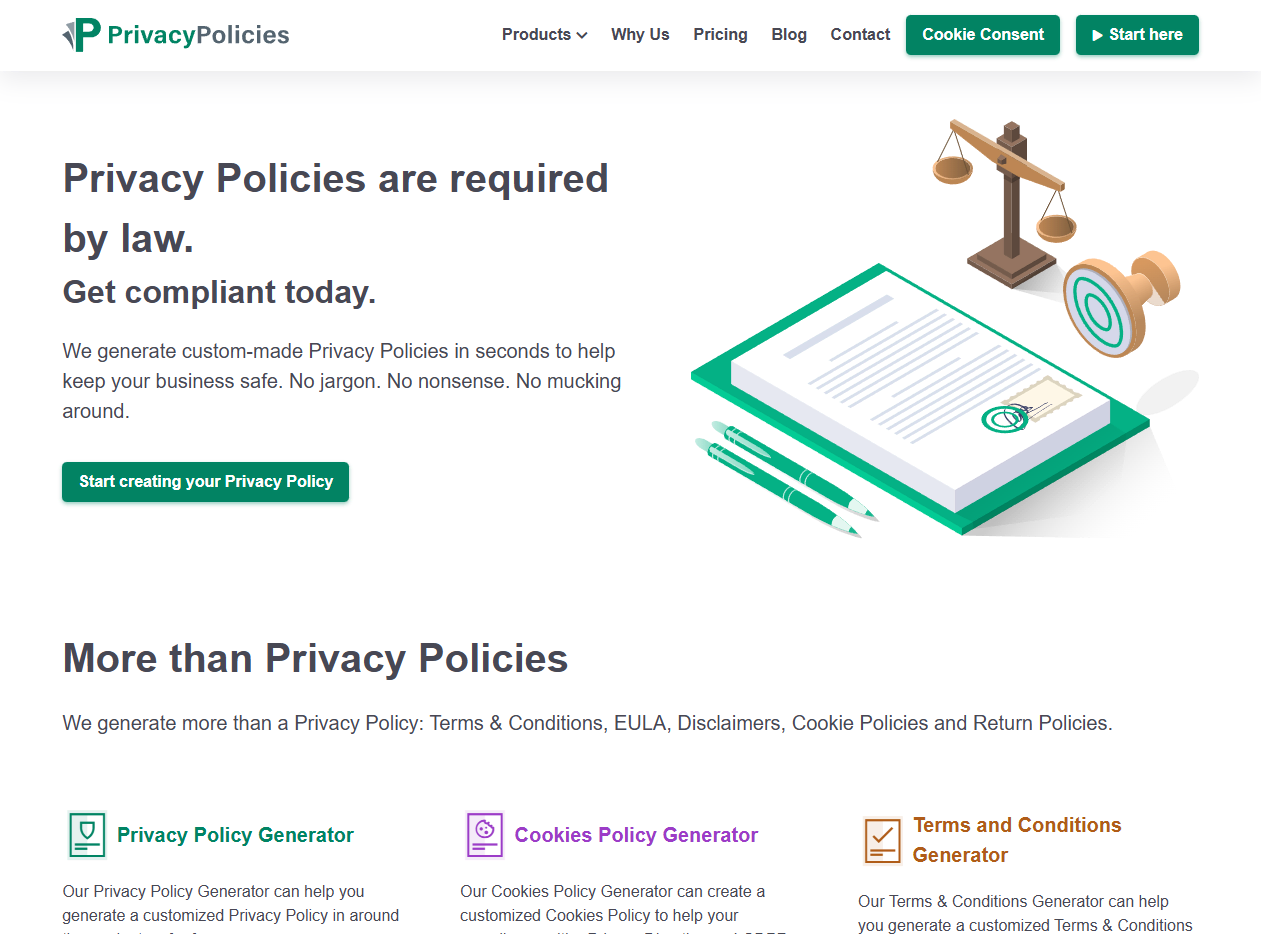
Its privacy policy generator adapts content based on your business type, data collection methods, and third-party services like analytics, ads, or payment processors.
PrivacyPolicies supports major regulations, including GDPR, CCPA, and CalOPPA, and allows users to host policies for free or download them in multiple formats. The platform works well for websites, apps, and online businesses that want flexibility in how policies are published and managed. Users can host the policy on PrivacyPolicies, download it as HTML or PDF, or embed it directly into their site, and update the content later as their data practices change.
The free version includes a hosted privacy policy page, basic clauses, and downloadable formats like HTML, DOCX, and plain text.
Premium features are added through one-time payments for specific clauses, such as analytics tools, advertising platforms, payment processors, remarketing, and regional laws like GDPR, CCPA, and CalOPPA. Most add-ons range from $7 to $14 per clause.
Privacy Policy Online
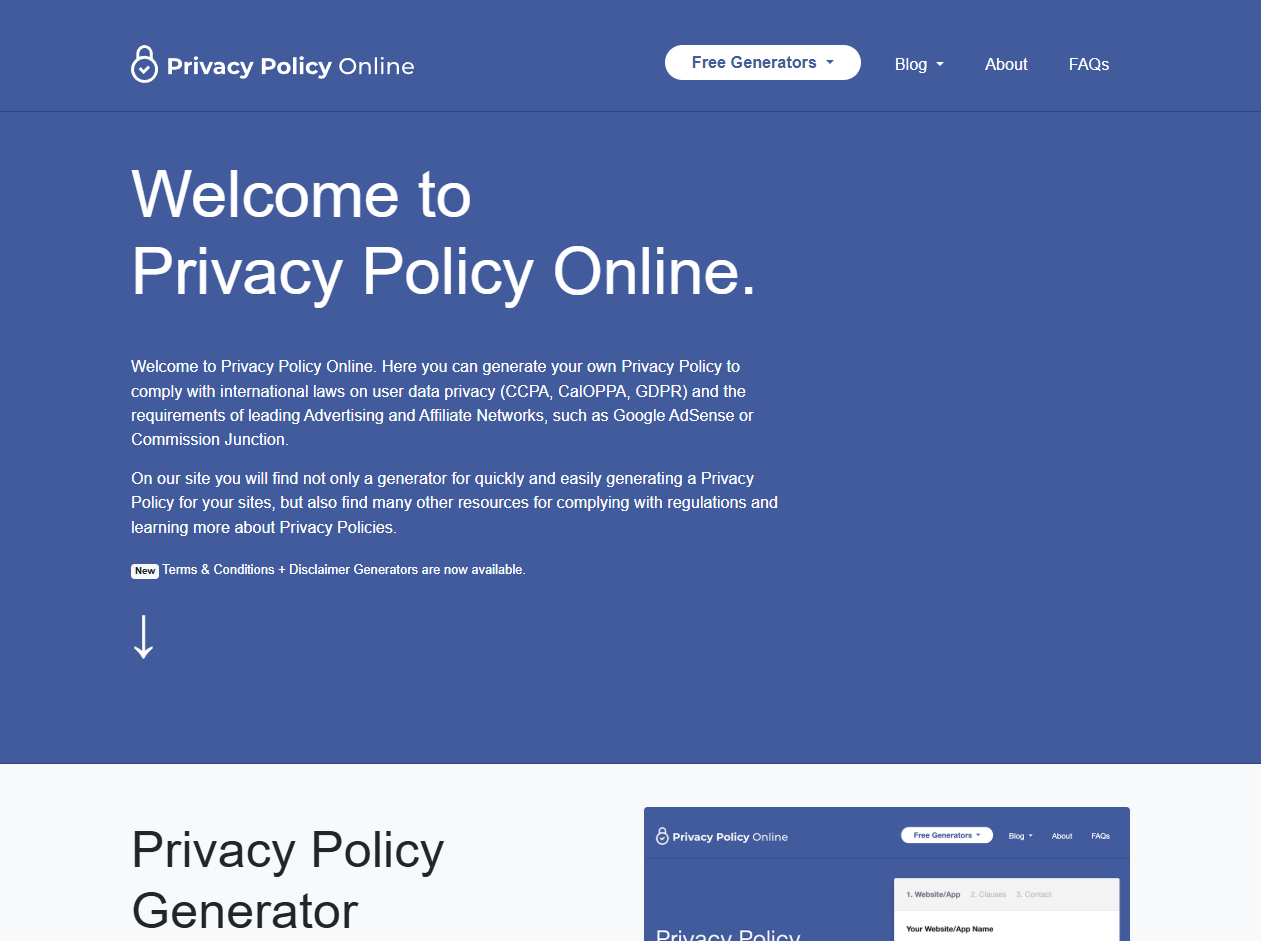
Privacy Policy Online is a simple tool built for quickly generating basic privacy policies. It uses a short web form to create policies that meet requirements for laws like GDPR, CCPA, and CalOPPA.
The platform also includes generators for terms and conditions and disclaimers, along with sample templates for reference. It is best suited for small websites, blogs, or personal projects that need a straightforward privacy policy without advanced customization or automation.
Privacy Policy Online is free to use. The platform notes that its policies act as general guidelines and may not cover complex legal or industry-specific requirements.
Adding a Privacy Policy to WordPress With Blocksy
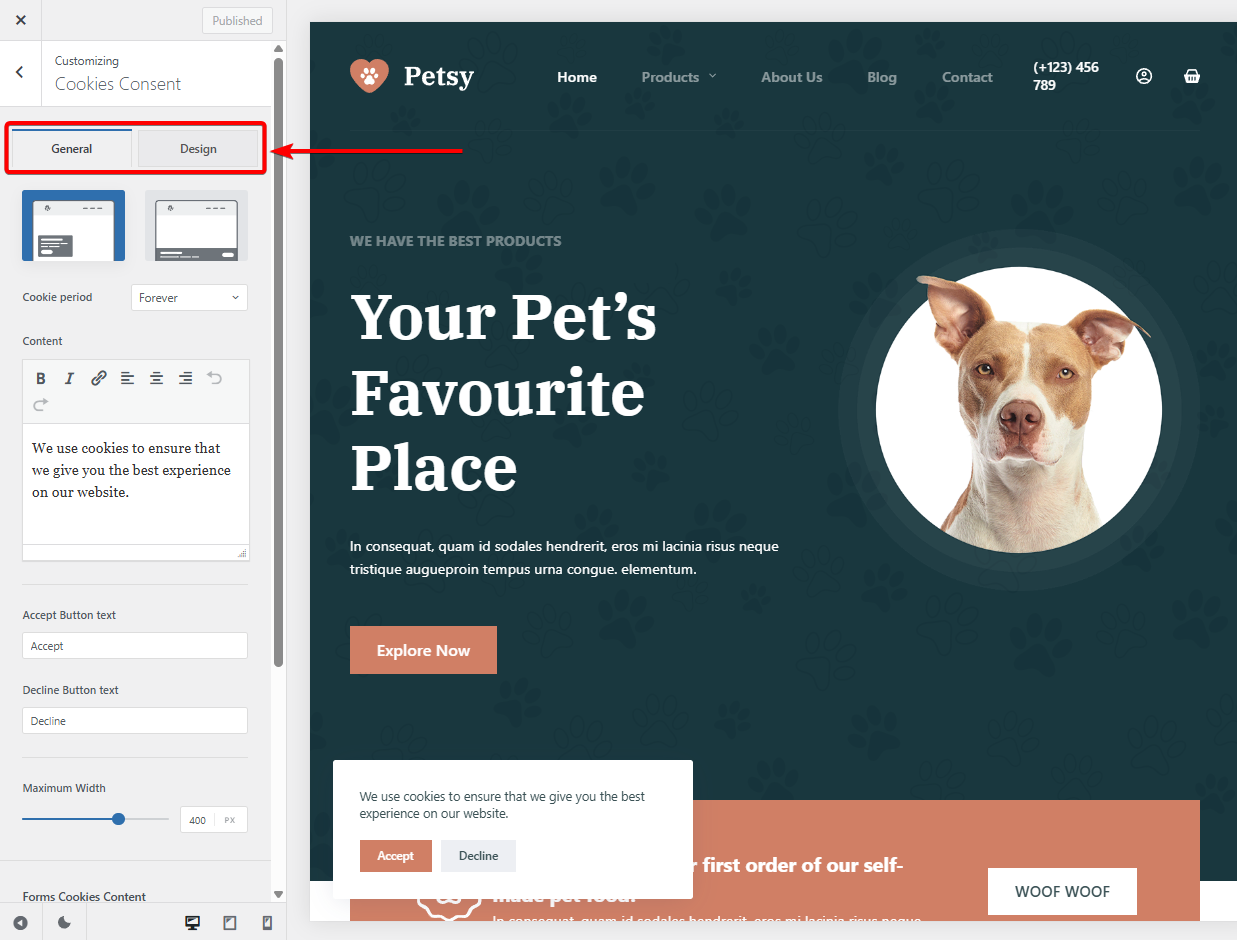
Once your privacy policy is ready, Blocksy makes it easy to display it and inform visitors about cookie usage on your WordPress site. Blocksy includes a built-in Cookies Consent feature to support both cookie notices and privacy policy acknowledgment on your site.
The Cookies Consent extension is free and available as a stand-alone Blocksy extension. You can activate the Cookies Consent module by going to Blocksy → Extensions in your WordPress dashboard.
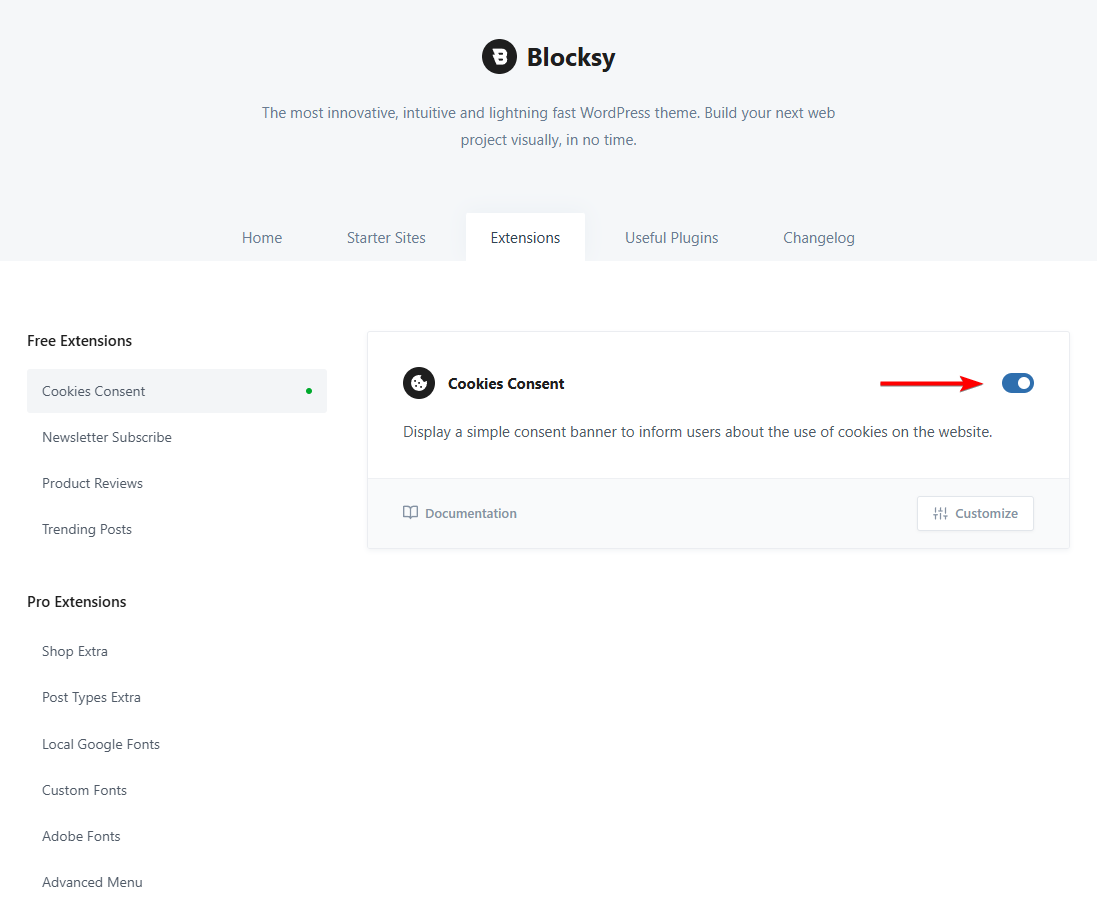
Inside Customizer → Cookies Consent, you can customize the message, button labels, and layout.
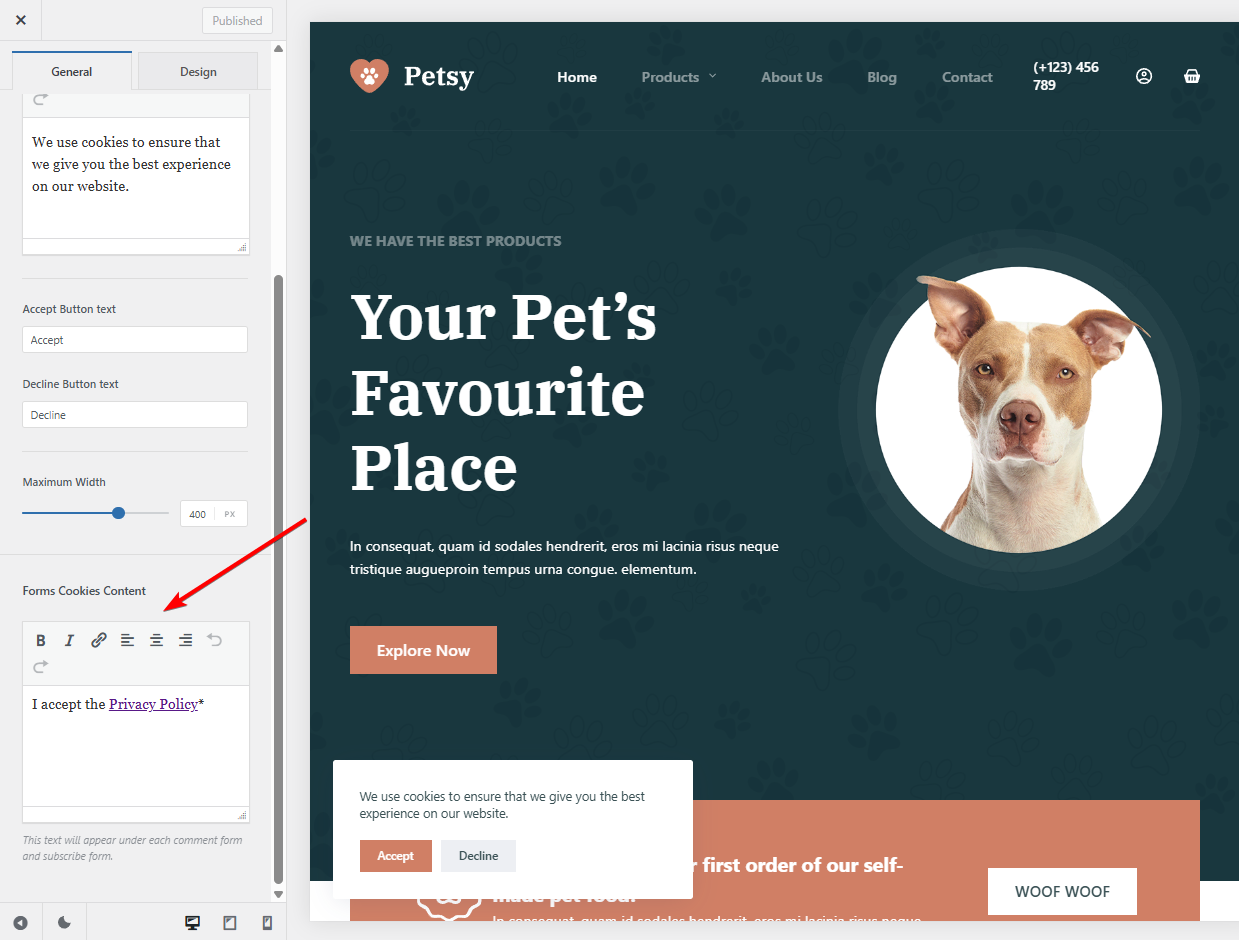
Blocksy also lets you add a privacy policy acceptance checkbox to forms, helping users acknowledge your policy when submitting personal information. This will also link to your privacy policy page allowing visitors to read before accepting.
FAQs
What is the best privacy policy generator?
The best privacy policy generator depends on your website type and needs. Tools like TermsFeed, GetTerms, and Termly are popular because they cover major laws such as GDPR and CCPA. Look for a generator that matches your data collection, offers clear pricing, and is easy to update.
How to make your own privacy policy?
You can make your own privacy policy by clearly listing what data you collect, how you use it, and who has access to it. Many site owners use privacy policy generators to avoid legal language and mistakes. These tools ask simple questions and create a policy tailored to your website.
What does a good privacy policy look like?
A good privacy policy is clear, easy to read, and honest about data practices. It explains what data is collected, why it is collected, how it is stored, and how users can request changes or deletion. It should be easy to find and keep up to date.
Conclusion
A privacy policy plays a key role in how users perceive and trust your website. When visitors know what data is collected and how it is handled, they are more likely to engage with your content, submit forms, or complete purchases. It also helps set clear expectations and shows that your site takes privacy seriously.
Privacy policy generator tools make this process much easier for website owners. Instead of dealing with complex legal language, you can answer a few questions and generate a policy that reflects your actual data practices. This is often enough for blogs, business websites, and eCommerce stores that collect standard user information.
Choosing the right generator depends on your site’s needs, the type of data you collect, and your budget. Some tools focus on simplicity, while others offer more customization or ongoing updates. Understanding these differences helps you pick a solution that works long term.
Once your privacy policy is ready, displaying it properly is just as important. Blocksy provides simple options to show cookie notices and link your policy clearly across your site. Keeping your policy visible and up to date helps maintain compliance, builds credibility, and supports a more transparent experience for every visitor.
If you have any questions about privacy policy generator tools, let us know in the comments section below.