

Overview
Shortcodes are awesome and the next one is no exception – so if you want to be able to add your content anywhere shortcodes are permitted, we’ll show you how to use the
How Outcome Labs Moved From One-Off Custom Themes to Blocksy as the Foundation for 100 Client Websites
Every client site meant another custom theme for Outcome Labs to build and maintain. Here's how the agency now runs about 100 client websites on Blocksy, from nonprofits to bestselling authors, without building a custom theme for each one.

Black Friday & Cyber Monday – Best Deals, Discounts and Coupons
Our favorite WordPress Black Friday and Cyber Monday deals for 2026, from page builders and WooCommerce tools to forms, email, and course plugins. Includes our own Blocksy Pro offer with up to 40% off. Browse the coupon codes and deadlines to find what fits your next project.

WooCommerce Category Pages: How to Optimize Product Archives for SEO and Conversions
WooCommerce category pages help shoppers browse related products without having to search through an entire catalog. However, many stores rely on…
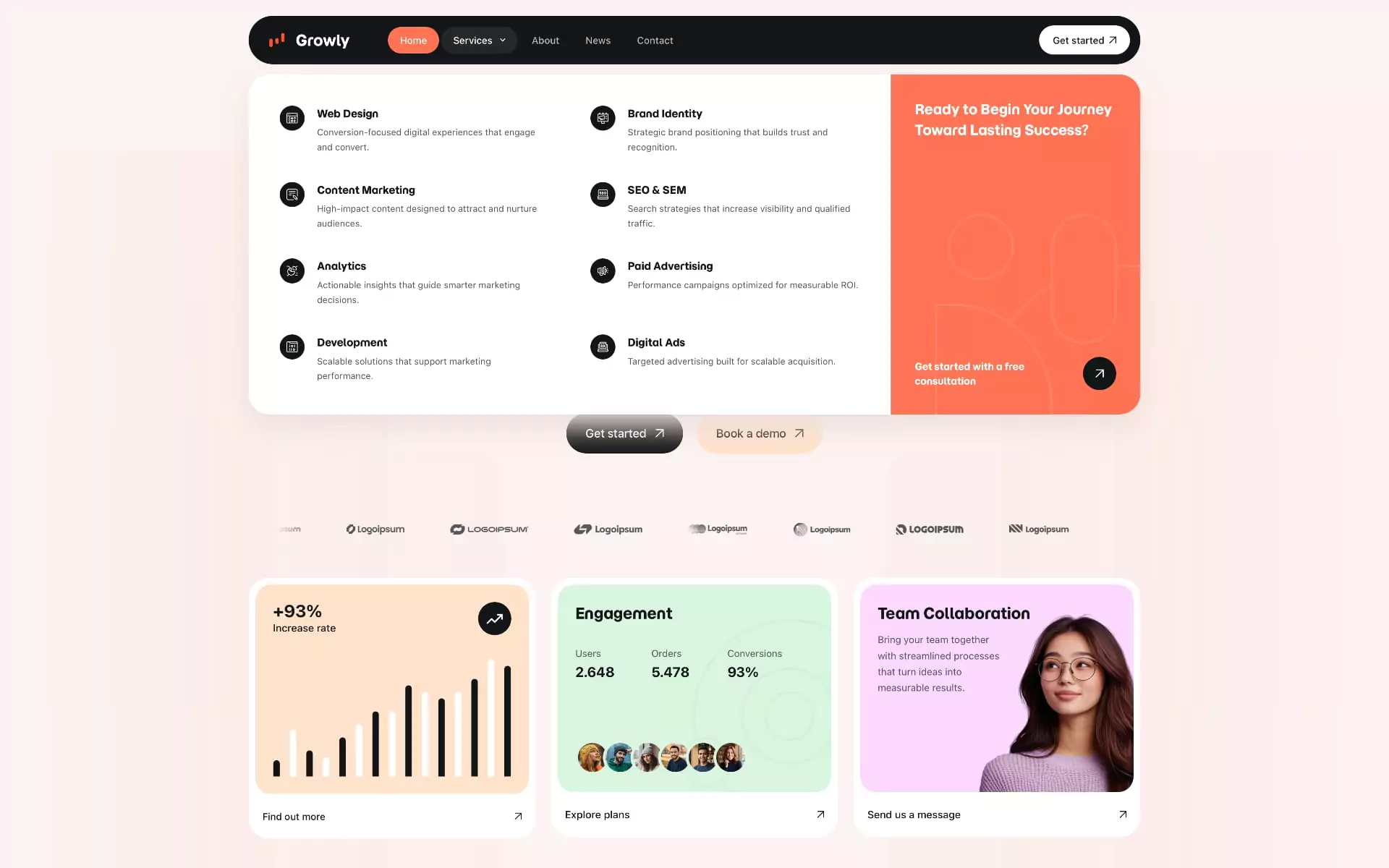
How to Create a Mega Menu in WordPress Without Custom Code
Large WordPress websites can quickly outgrow a simple navigation menu. A standard dropdown can become difficult to organize when you have…

How Tainacan Built Digital Archives for Major Brazilian Cultural Institutes With Blocksy Theme
Shrinking developer team (8 to 2), growing feature requests, political instability, and funding cuts – these are some of the biggest…
When added to your website using Gutenberg or your favourite page builder, this shortcode will allow you to display and customise a list of posts, with the help of the available attributes. We’ve compiled a list of those, available in our documentation here. They’re all pretty useful and offer some nifty ways to control what types of posts to display, how to display them and many others.
This shortcode inherits the styles present in the Customiser so you will have even more options to adjust the shortcode output by styling the post type that was selected – in the Customiser, of course!