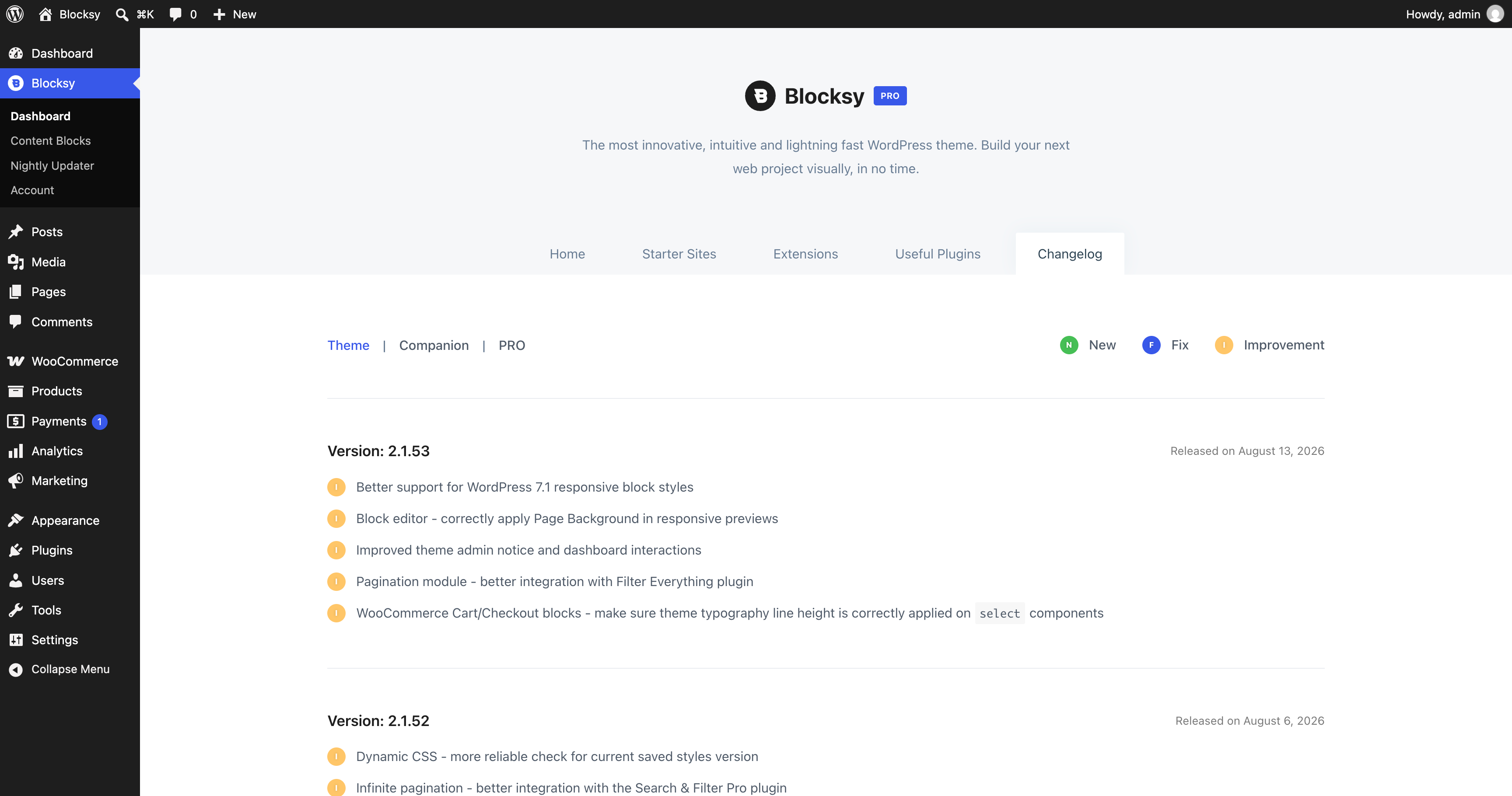
The Blocksy Dashboard brings the most important Blocksy tools and resources together in one place. From here, you can access Customiser shortcuts, import Starter Sites, manage Extensions, install recommended plugins and review the latest Blocksy changes.
The dashboard is divided into five main sections: Home, Starter Sites, Extensions, Useful Plugins and Changelog.
Home
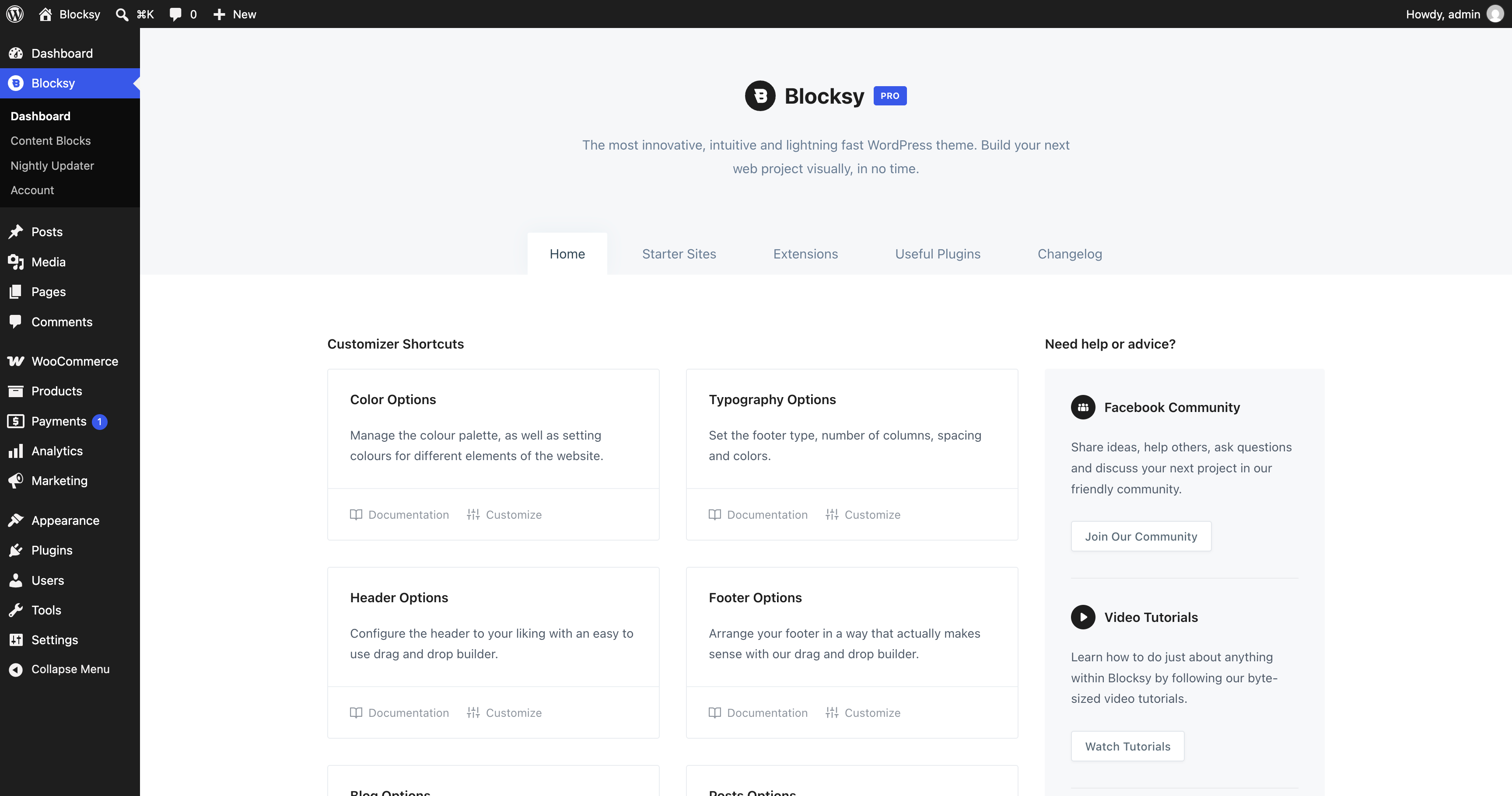
The Home section provides an overview of Blocksy and quick access to useful resources. You can jump directly to important areas of the WordPress Customiser, access documentation and support resources and join the Blocksy community.
Starter Sites
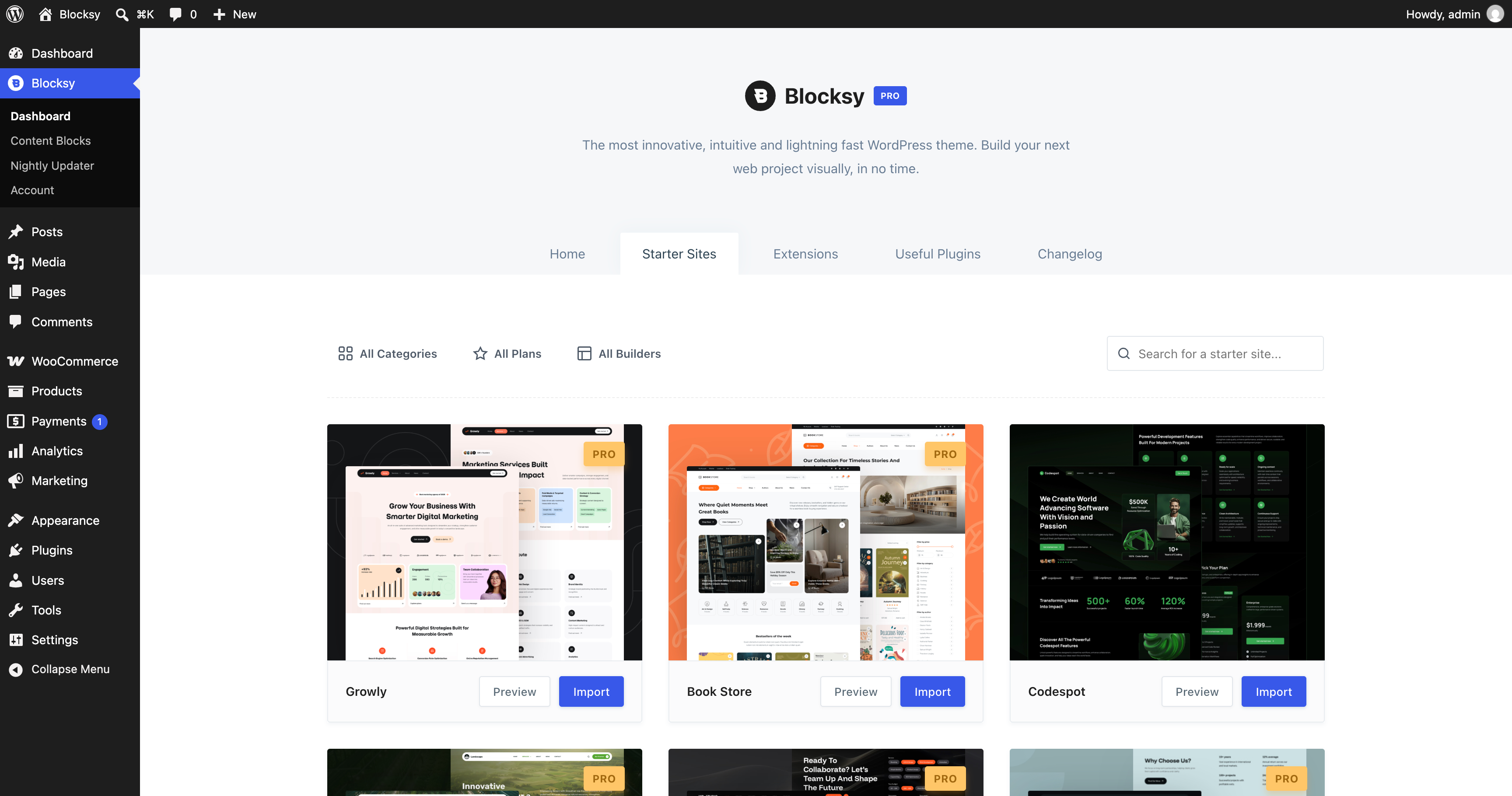
The Starter Sites section gives you access to Blocksy’s library of ready-made website designs. You can preview the available Starter Sites and import one as a starting point for your own website.
Extensions
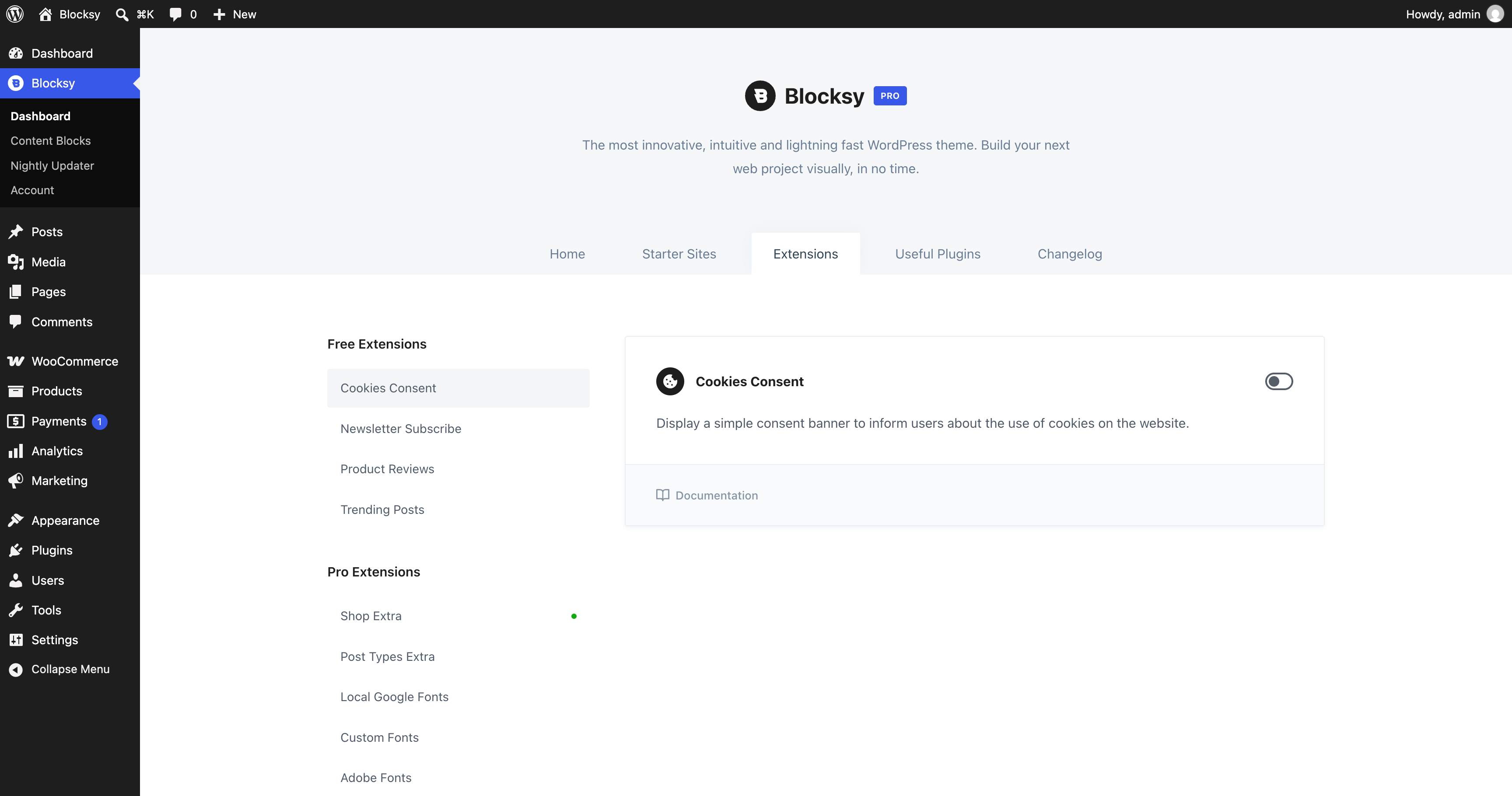
The Extensions section lets you enable and manage additional Blocksy functionality. Depending on your Blocksy plan, you can activate features such as Cookies Consent, Newsletter Subscribe, Custom Fonts, Advanced Menu and other Extensions directly from this screen.
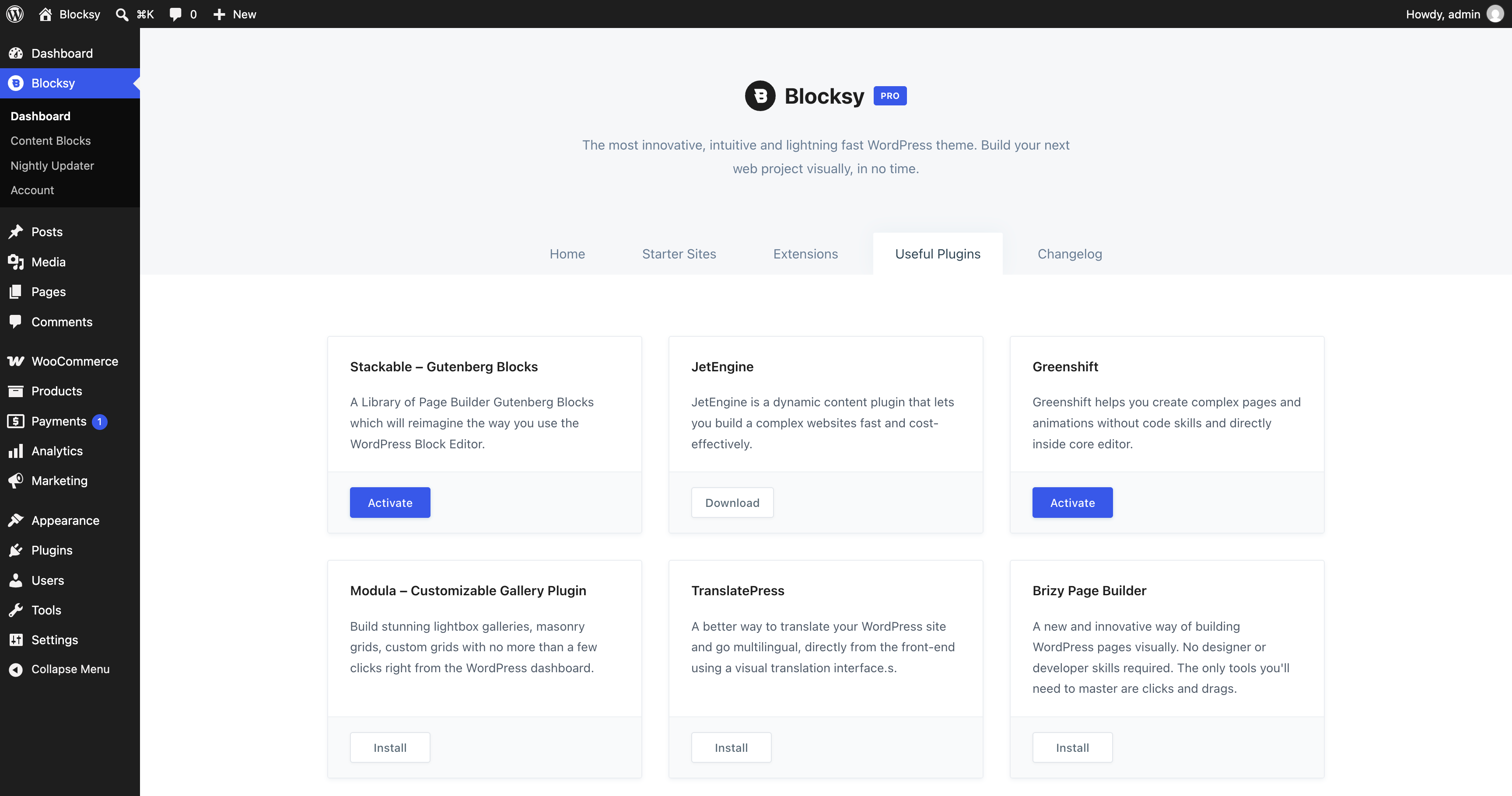
Useful Plugins
The Useful Plugins section contains a selection of third-party plugins that work well alongside Blocksy. You can review the available recommendations and install any plugins that are useful for your website directly from the dashboard.
Changelog
The Changelog section provides an overview of recent Blocksy updates, including new features, improvements and fixes introduced in each release.