



Installing Blocksy takes only a few minutes and can be done directly from your WordPress Dashboard. Once the theme is active, you can also install the Blocksy Companion plugin to access additional features, Extensions, Starter Sites and more.
Installing the Blocksy Theme
- From your WordPress Dashboard, navigate to Appearance → Themes.
- Click the Add New button at the top of the page.
- Use the search field to look for Blocksy.
- Click Install, then select Activate once the installation is complete.
Installing Blocksy Companion
After activating Blocksy, you will see a prompt inviting you to install the Blocksy Companion plugin.
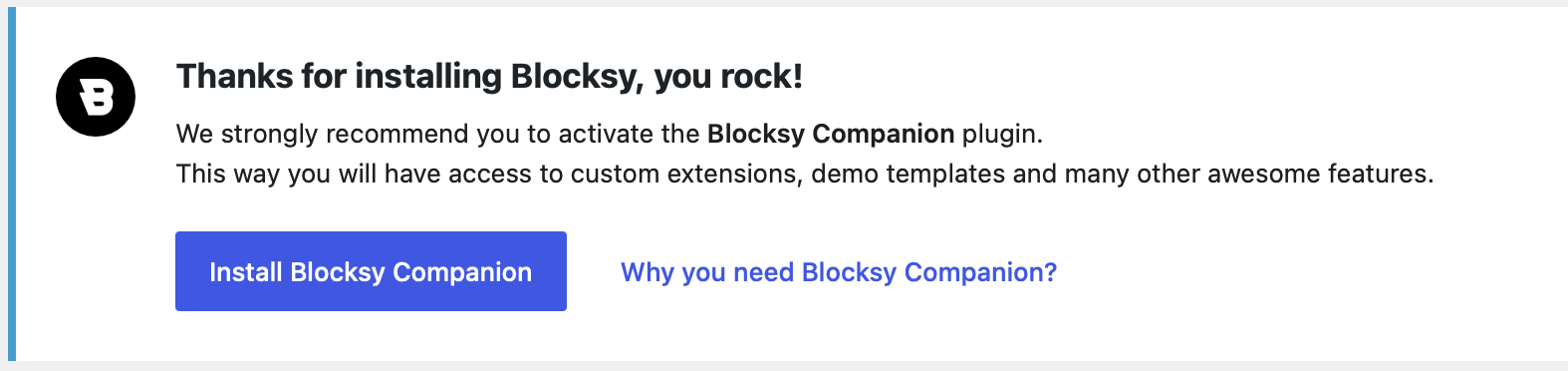
Blocksy Companion extends the base theme with additional functionality, including access to Starter Sites, Extensions, Blocksy’s Theme Blocks and other useful features.
The plugin is not required for the basic Blocksy theme to work, but we recommend installing it to get the complete Blocksy experience.
Video Tutorial
If you prefer to follow the installation process visually, the video below walks through installing both the Blocksy theme and the Blocksy Companion plugin.
That’s it – Blocksy is now installed and ready to configure from your WordPress Dashboard.