



Custom Post Types let you organise content beyond WordPress’ built-in posts and pages. They are commonly used for content such as portfolios, projects, properties, team members, events and other structured content types.
Blocksy automatically detects properly registered Custom Post Types and provides dedicated Customiser controls for their archive and single views, allowing them to be styled using the same flexible system available for regular blog posts.
Quick Look
Creating a Custom Post Type
Blocksy does not require a specific method for registering Custom Post Types. As long as the post type is properly registered with WordPress, Blocksy can detect it and expose the relevant design options.
A Custom Post Type can be created in several ways:
- Use a dedicated Custom Post Type management plugin.
- Register the post type with custom PHP code.
- Use a plugin that automatically registers its own Custom Post Types as part of its functionality.
Working with Custom Post Types in Blocksy
Once a Custom Post Type has been registered, Blocksy automatically adds the relevant archive and single-content controls to the Customiser. The exact panels available depend on how the post type itself has been configured.
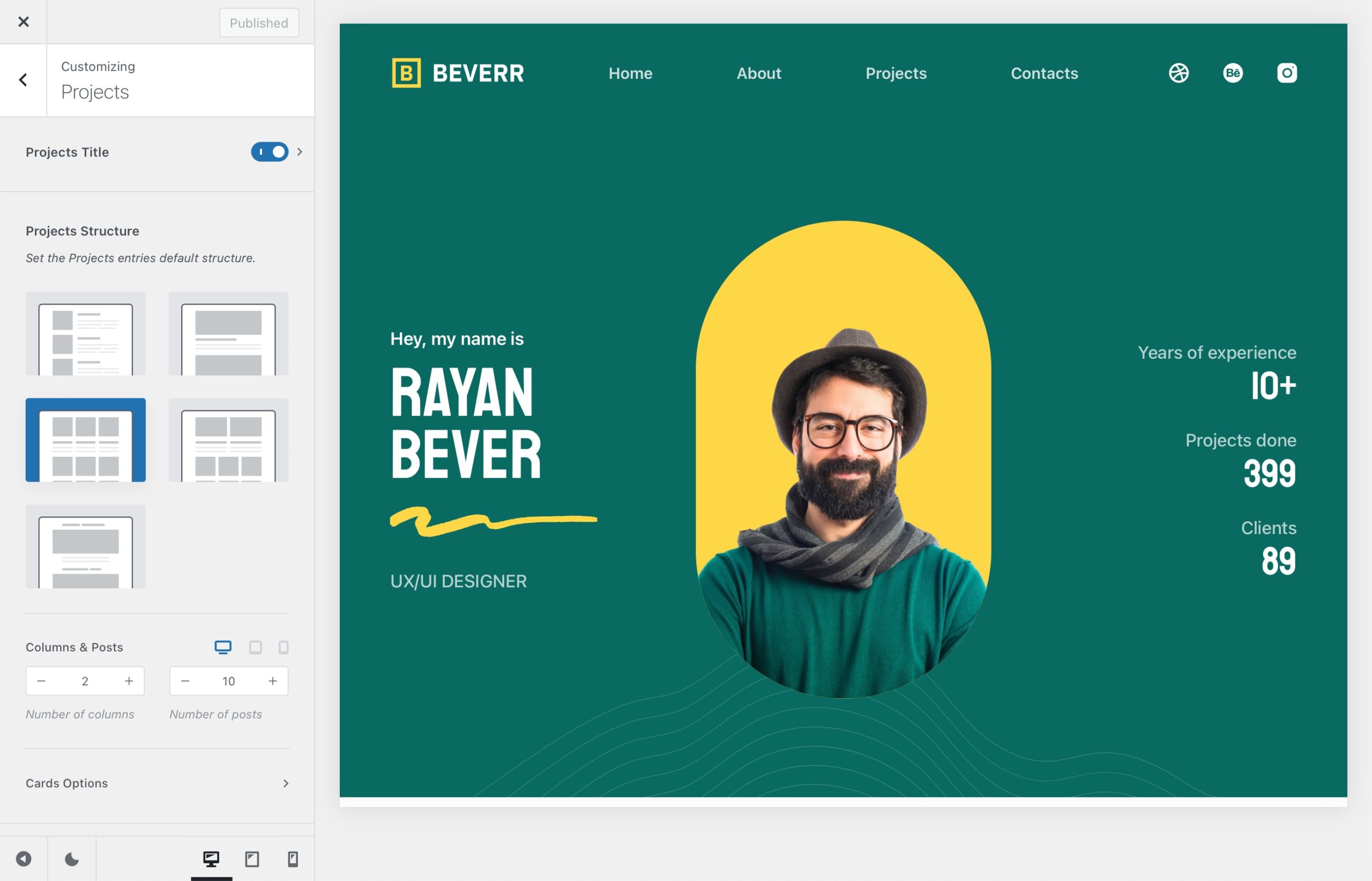
Archive Options
If the Custom Post Type provides an archive, Blocksy gives you controls similar to those available for the main blog archive. Depending on the post type configuration, you can customise areas such as the archive title, post structure, card design and the information displayed inside each card.
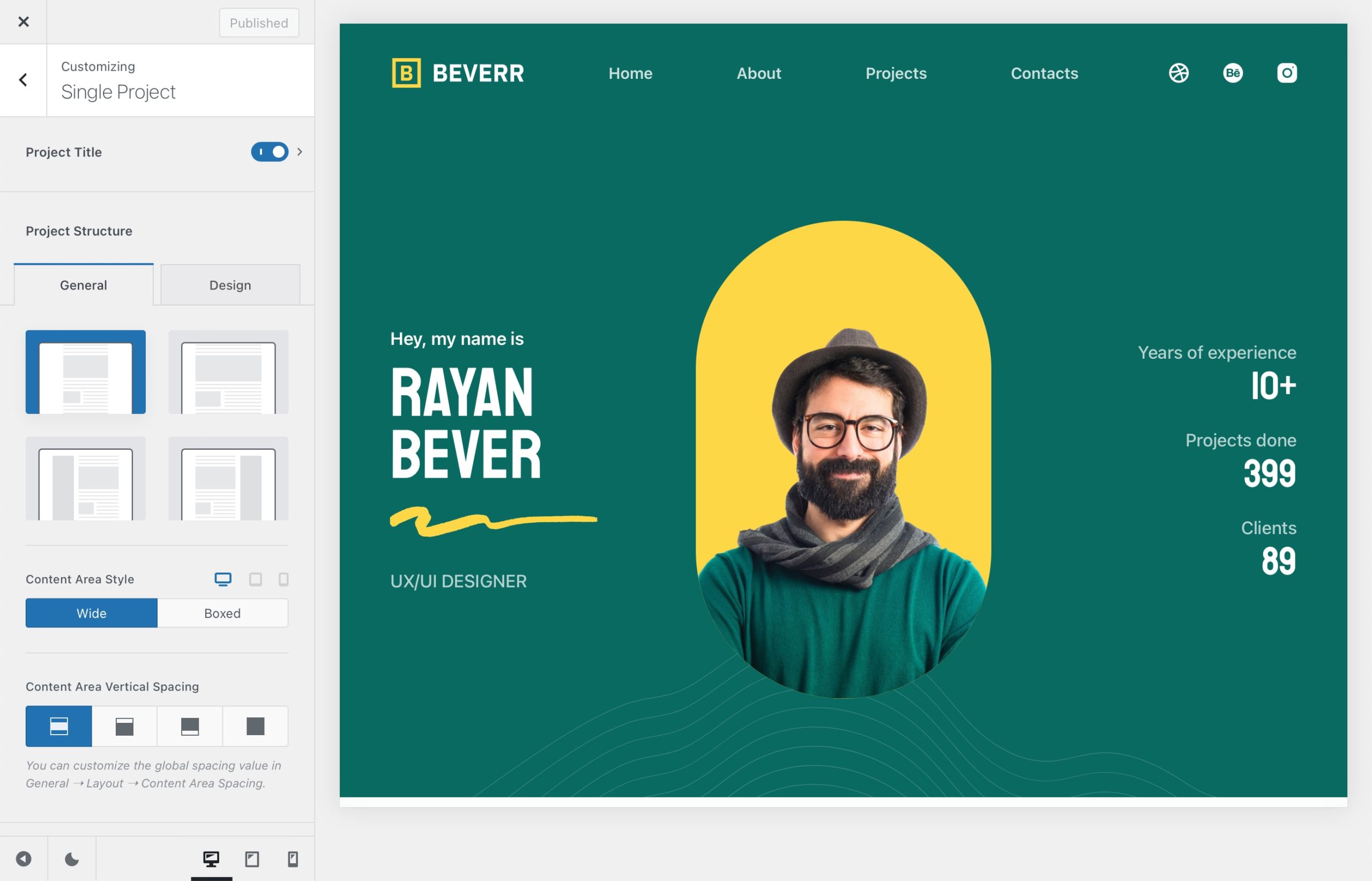
Single Content Options
Individual entries belonging to a Custom Post Type receive controls similar to Blocksy’s standard Single Post options. These let you configure the title area, content structure, sidebars, featured imagery and other supported page elements.
Extending Custom Post Types with Blocksy Pro
Blocksy Pro can extend Custom Post Types further with additional tools for dynamic content and fully custom layouts.
Post Types Extra
The Post Types Extra extension adds advanced functionality that can also be used with Custom Post Types.
- Dynamic Data – display information from custom fields alongside your content.
- Posts Filters – let visitors filter archive content using supported taxonomies.
- Taxonomy Customisations – add additional visual options to custom taxonomy terms.
- Reading Time – display estimated reading times where appropriate for the content type.
Custom Archive Templates
For complete control over a Custom Post Type archive, Blocksy Pro’s Content Blocks system lets you replace either the archive cards or the entire archive layout with a custom Gutenberg design.
See the Custom Archive Templates documentation for the complete setup process.
Custom Single Templates
You can also replace the default singular layout for a Custom Post Type with a fully custom design. Dynamic blocks can then be used to display information from the current entry inside your template.
See the Custom Single Templates documentation for more information.
Related Documentation
The Custom Post Type archive and single-content controls closely follow Blocksy’s standard post configuration. The following guides provide a more detailed overview of those options.
Video Tutorial
If you prefer a visual walkthrough, the video below demonstrates how Custom Post Types can be configured and customised with Blocksy.