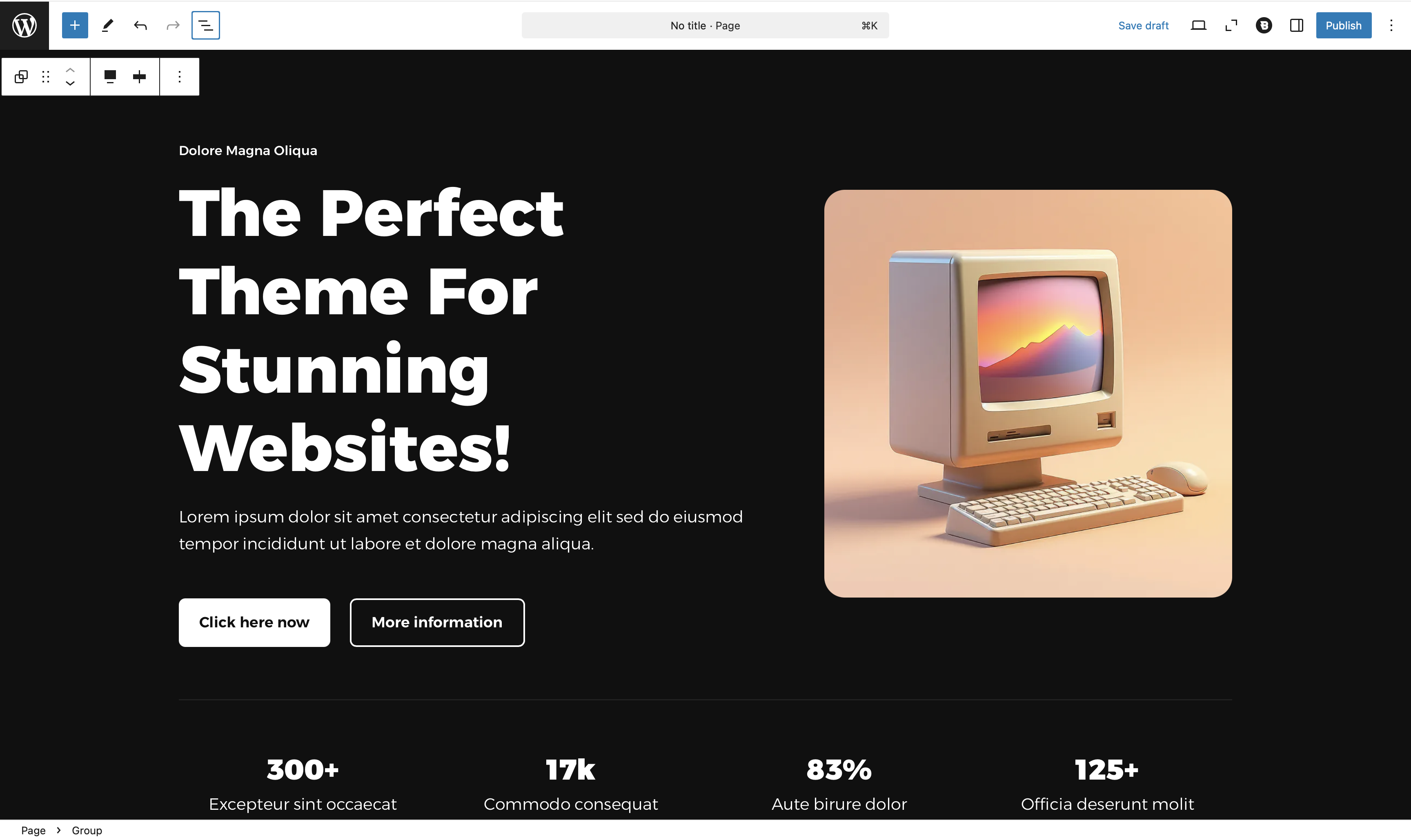
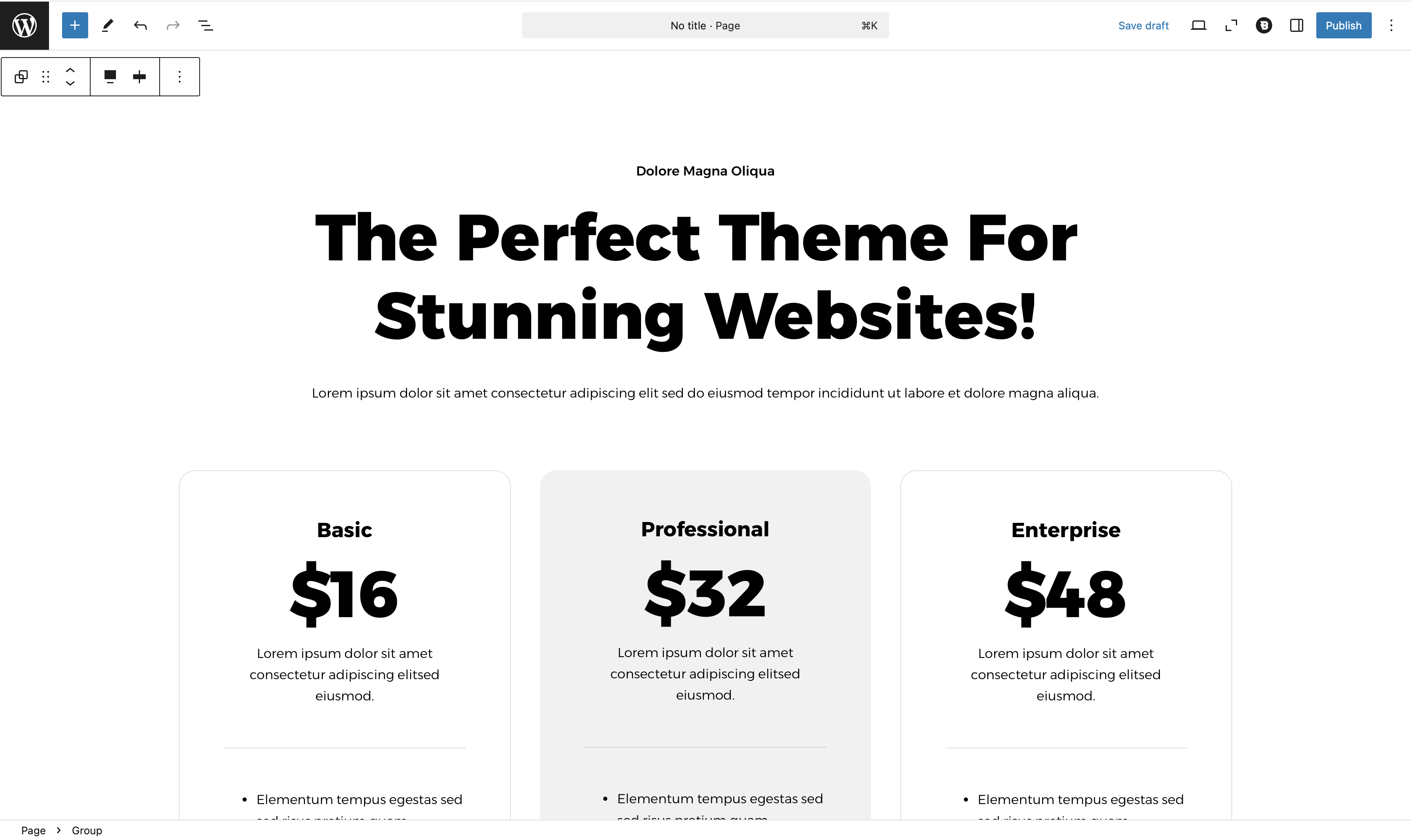
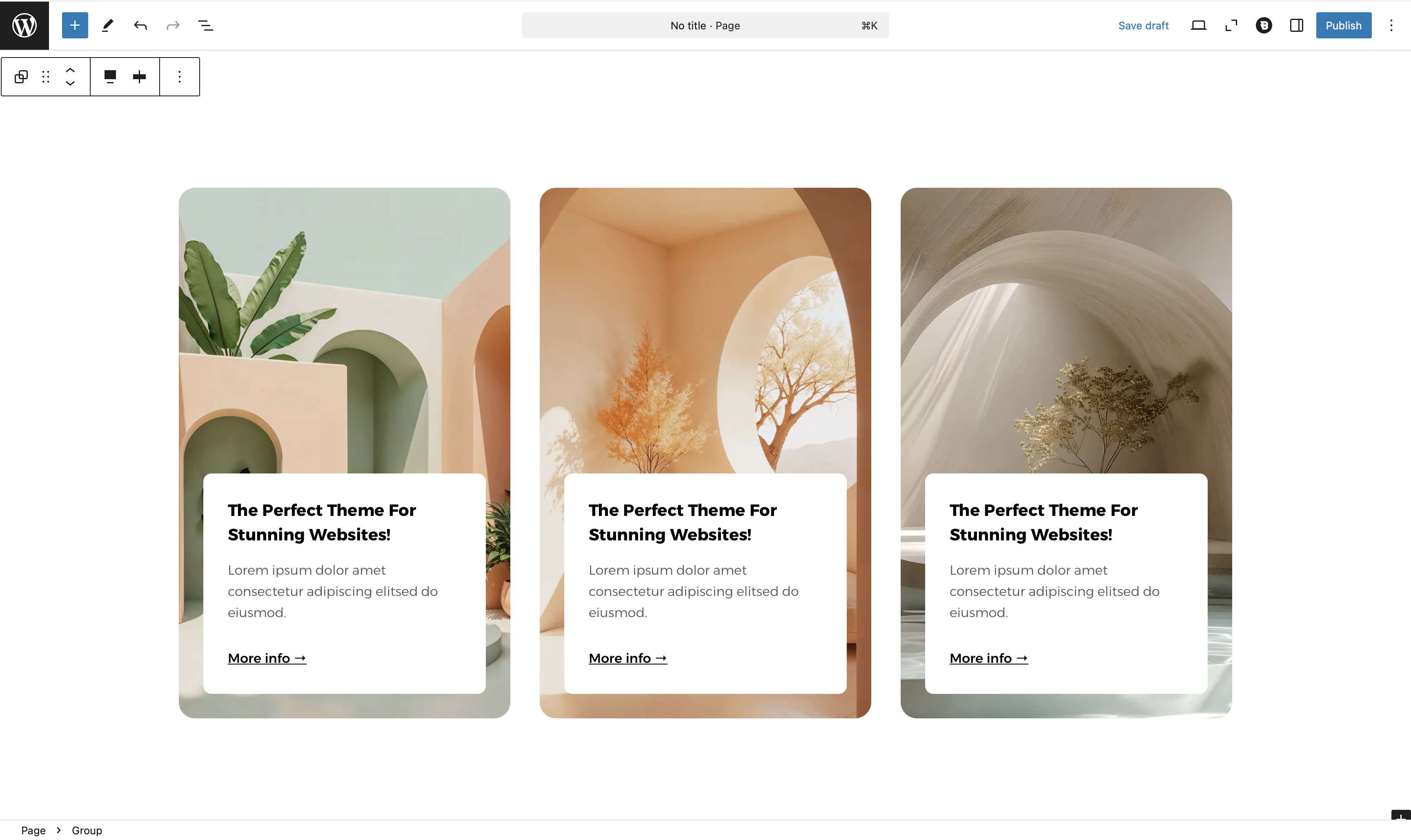
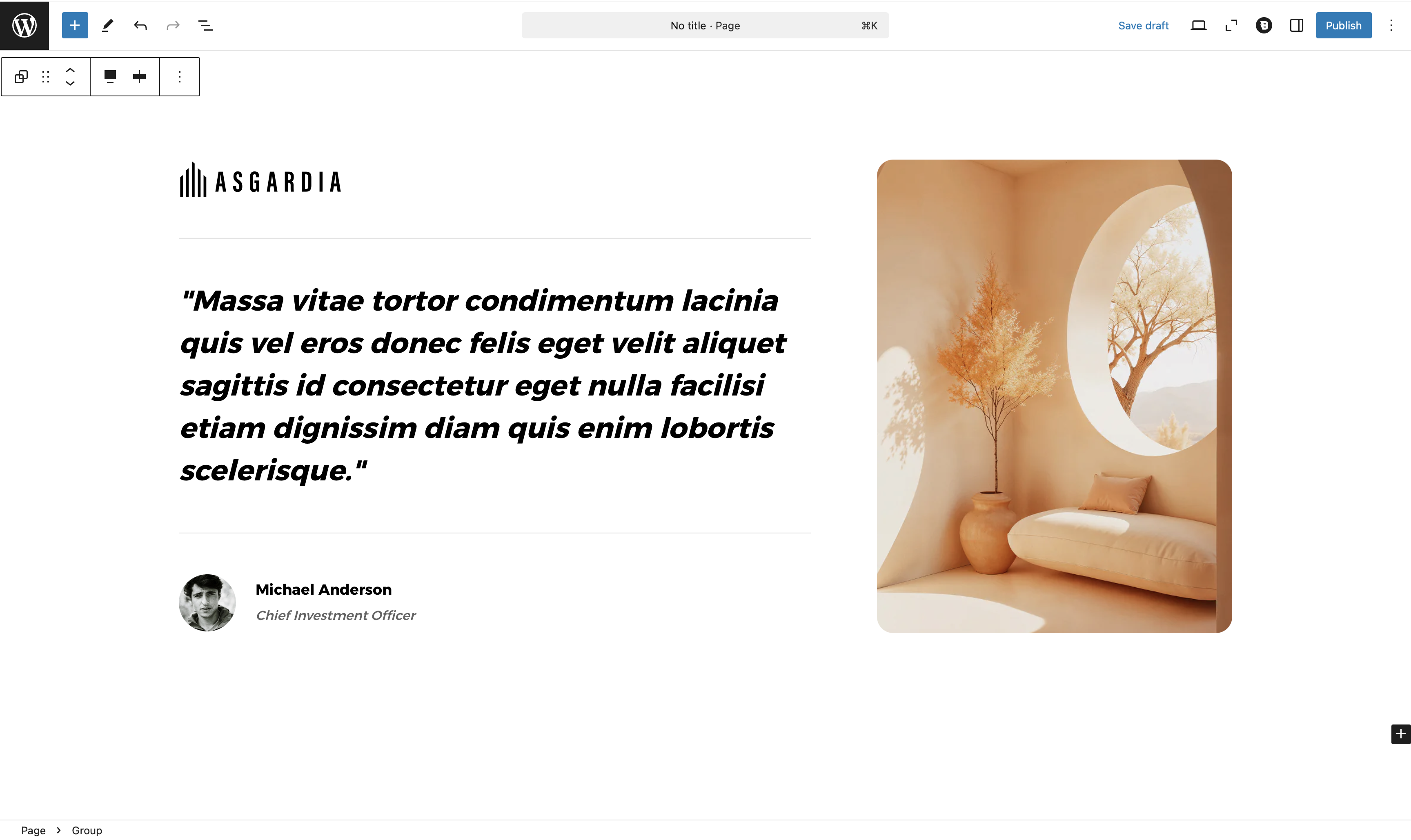
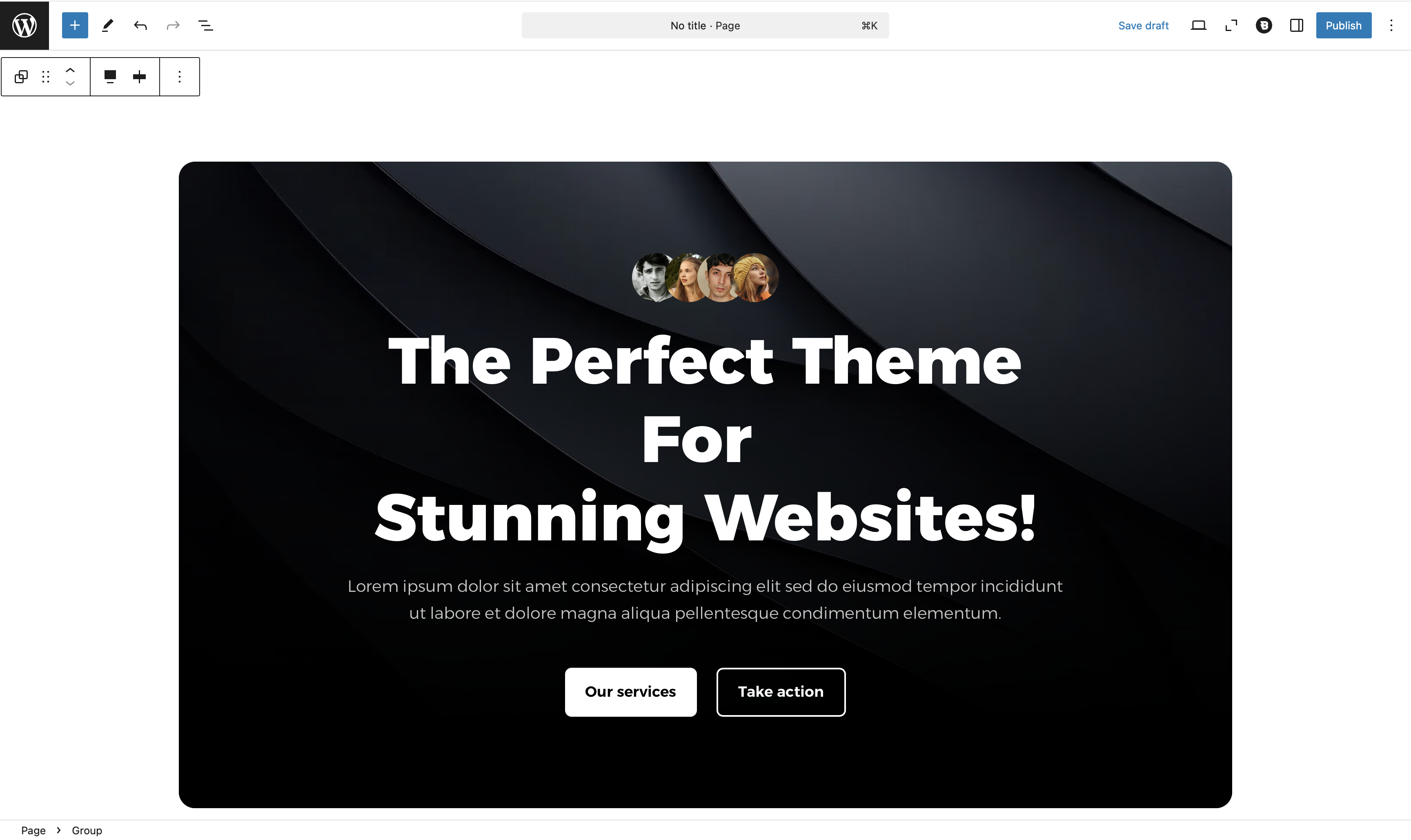
Blocksy Gutenberg Patterns are ready-made content sections that can be inserted directly into layouts created with the WordPress block editor. They provide a starting point for common sections such as hero areas, pricing tables, testimonials, calls to action and content cards.
Patterns are different from Blocksy Theme Blocks. Instead of adding a new type of block with its own functionality, a pattern inserts a pre-arranged collection of WordPress blocks that you can continue editing individually.
Getting Started
Blocksy Patterns are available from the regular WordPress pattern library:
- Edit a post, page or another layout using the WordPress block editor.
- Open the block inserter and switch to the Patterns section.
- Locate the Blocksy category.
- Select a pattern to insert it into the current layout.
- Replace its example content and adjust the individual blocks to match your design.
Because the patterns are constructed from regular WordPress blocks, their text, images, spacing, Colors and other supported settings can be edited using the standard block controls.
Working with Patterns
After inserting a pattern, its blocks become part of the current page or template. You can rearrange them, remove elements you do not need, add additional blocks or replace the original content completely.
This makes patterns useful as starting layouts rather than fixed templates. You can keep the original structure when it already fits your design or use it only as a foundation for a more customised section.
Examples
The Blocksy pattern library includes layouts for a variety of common website sections. The examples below show some of the available starting points.