



The Entry Content options control the default spacing between content elements and the appearance of links that have not been styled individually. These settings provide a consistent baseline for content created with the WordPress block editor and other supported editors.
To access these options, navigate to Customiser → General Options → Entry Content.
Quick Look
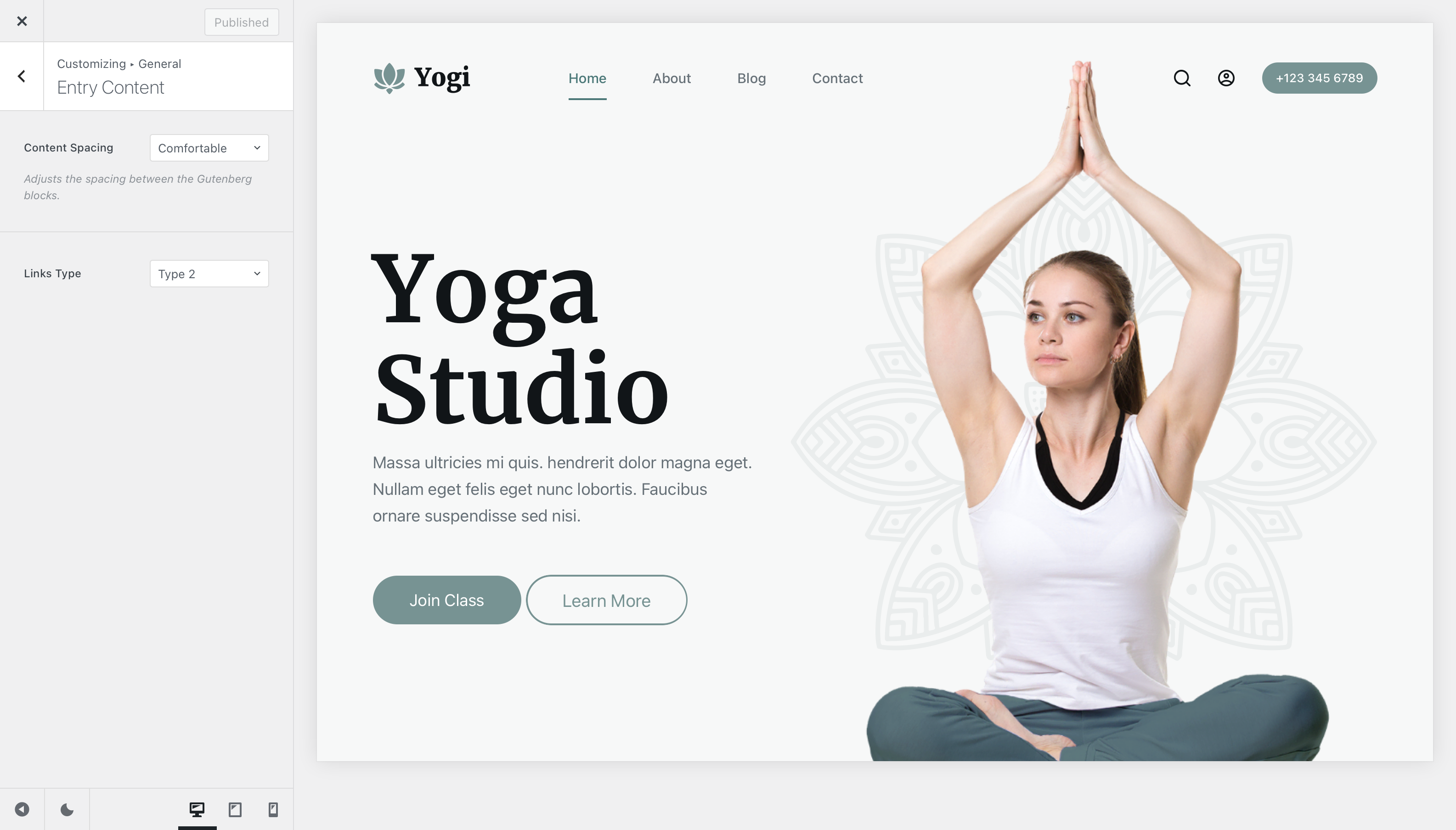
Granular Controls
Content Spacing
The Content Spacing setting defines the default vertical spacing between supported elements inside the main content area.
This is particularly useful for blocks that do not provide their own spacing controls. You can use it to create a tighter content flow or add more breathing room between elements without adjusting each block individually.
Blocks or other elements that define their own spacing can still override this global value where applicable.
Links Type
The Links Type option controls the default visual treatment applied to links inside entry content when those links have not been styled separately.
Blocksy provides five link styles, ranging from a minimal appearance with no additional decoration to more prominent hover effects. This lets you establish a consistent default link treatment across posts, pages and other supported content areas.
How unstyled links are handled
The Links Type setting applies to links that have not received their own styling from the editor or another component. Individual blocks, page builders or plugins can provide more specific link styles that override Blocksy’s default treatment.