



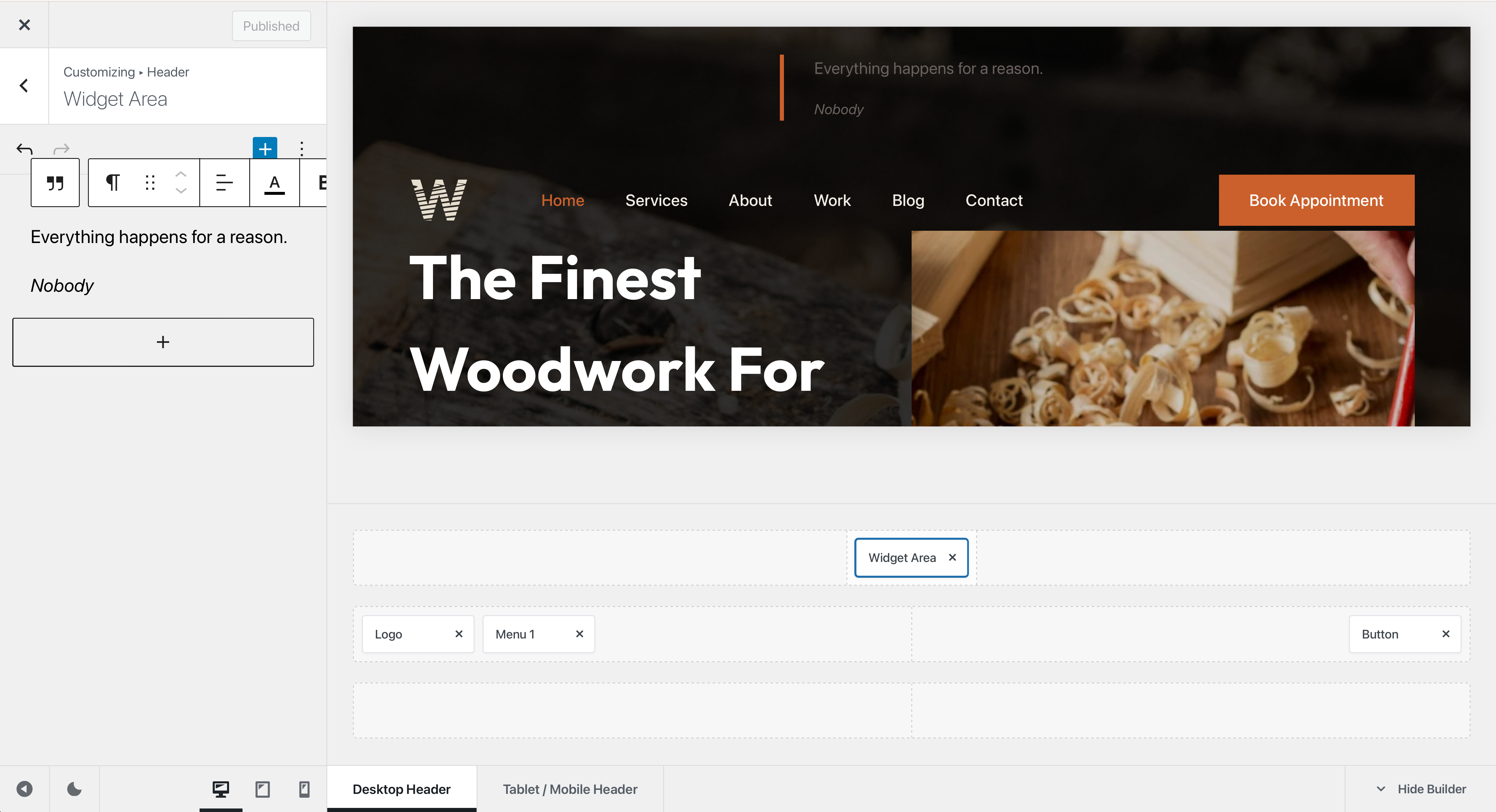
The Widget Area element lets you place a WordPress widget area directly inside your website’s header. This makes it possible to display content provided by WordPress blocks, widgets and compatible plugins alongside the other Header Builder elements.
To use it, open the Customiser → Header and drag the Widget Area element into the desired header row or the Off Canvas Area. You can then manage the content assigned to that widget area from WordPress’ widget interface.
Configuration
The Widget Area element does not provide additional element-specific configuration options. Its purpose is to act as a container for the content assigned to the corresponding widget area.
This makes it useful when you need to add content or functionality that is not available as a dedicated Header Builder element, including blocks and widgets provided by third-party plugins.